scale_color_theme() and its family of functions provide a unified interface to apply color themes to the colour and fill aesthetics of ggplot2 objects.
Usage
scale_color_theme(
  theme = NULL,
  ...,
  discrete = NULL,
  middle = 0,
  aesthetics = "colour"
)

scale_colour_theme(
  theme = NULL,
  ...,
  discrete = NULL,
  middle = 0,
  aesthetics = "colour"
)

scale_fill_theme(
  theme = NULL,
  ...,
  discrete = NULL,
  middle = 0,
  aesthetics = "fill"
)
Arguments
- theme
a color theme name (e.g.,
"Viridis"), a"colortheme"object, a character vector of color names, or a palette/ramp function. Seecolorthemefor details.- ...
optional arguments passed to
ggplot2::continuous_scale()orggplot2::discrete_scale().- discrete
logical. If
TRUE, a discrete scale is used regardless of the theme type.- middle
a numeric value specifying the midpoint for diverging color themes. Default is
0.- aesthetics
the aesthetic(s) to be scaled (
"colour","color", or"fill").
Details
This function automatically selects the appropriate ggplot2 scale based on the theme's type:
If the theme is
"qualitative", a discrete scale is used by default (discrete = TRUE).If the theme is
"sequential"or"diverging", a continuous scale is used by default. Diverging themes usescales::rescale_mid()to center the gradient aroundmiddle.
Examples
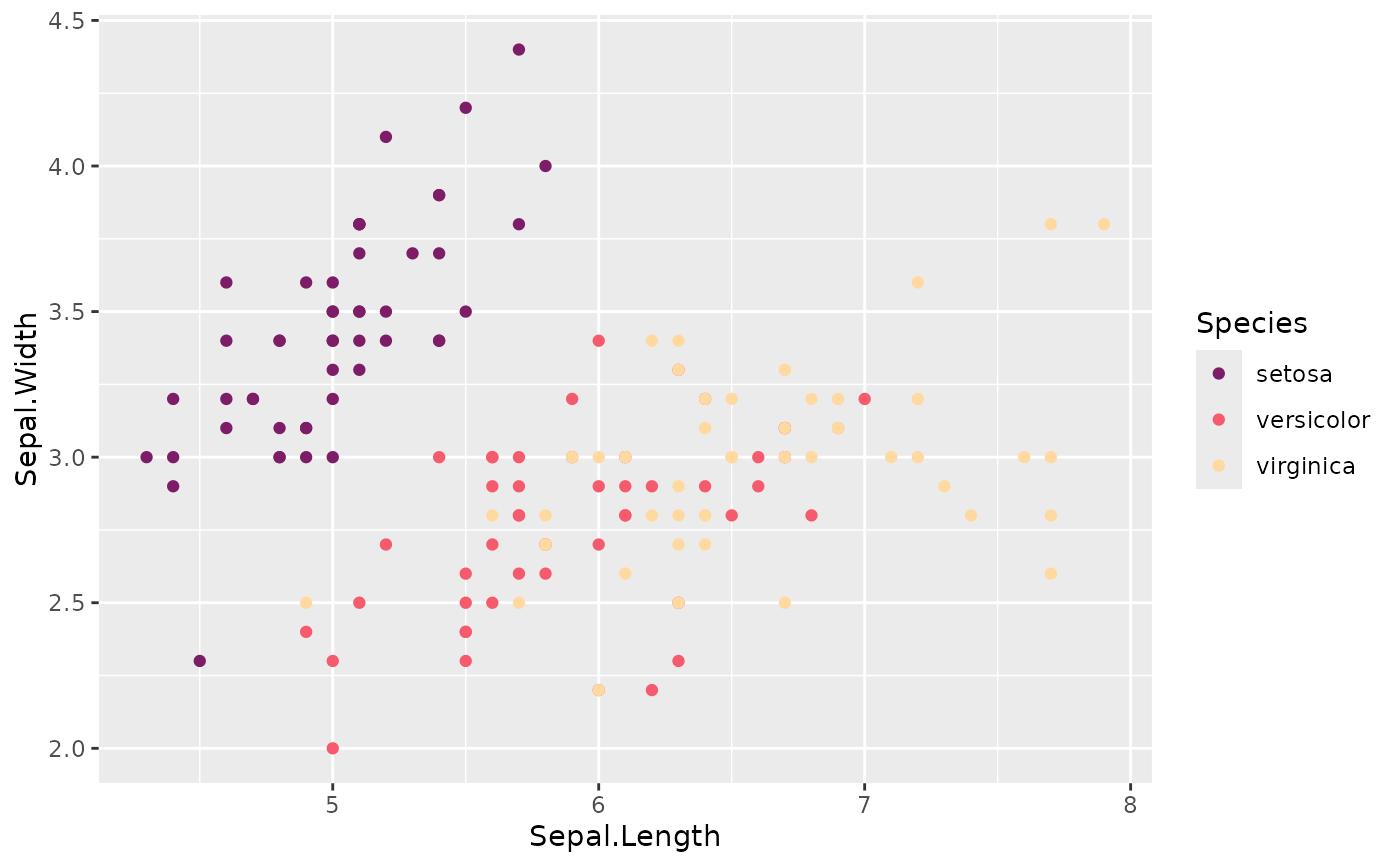
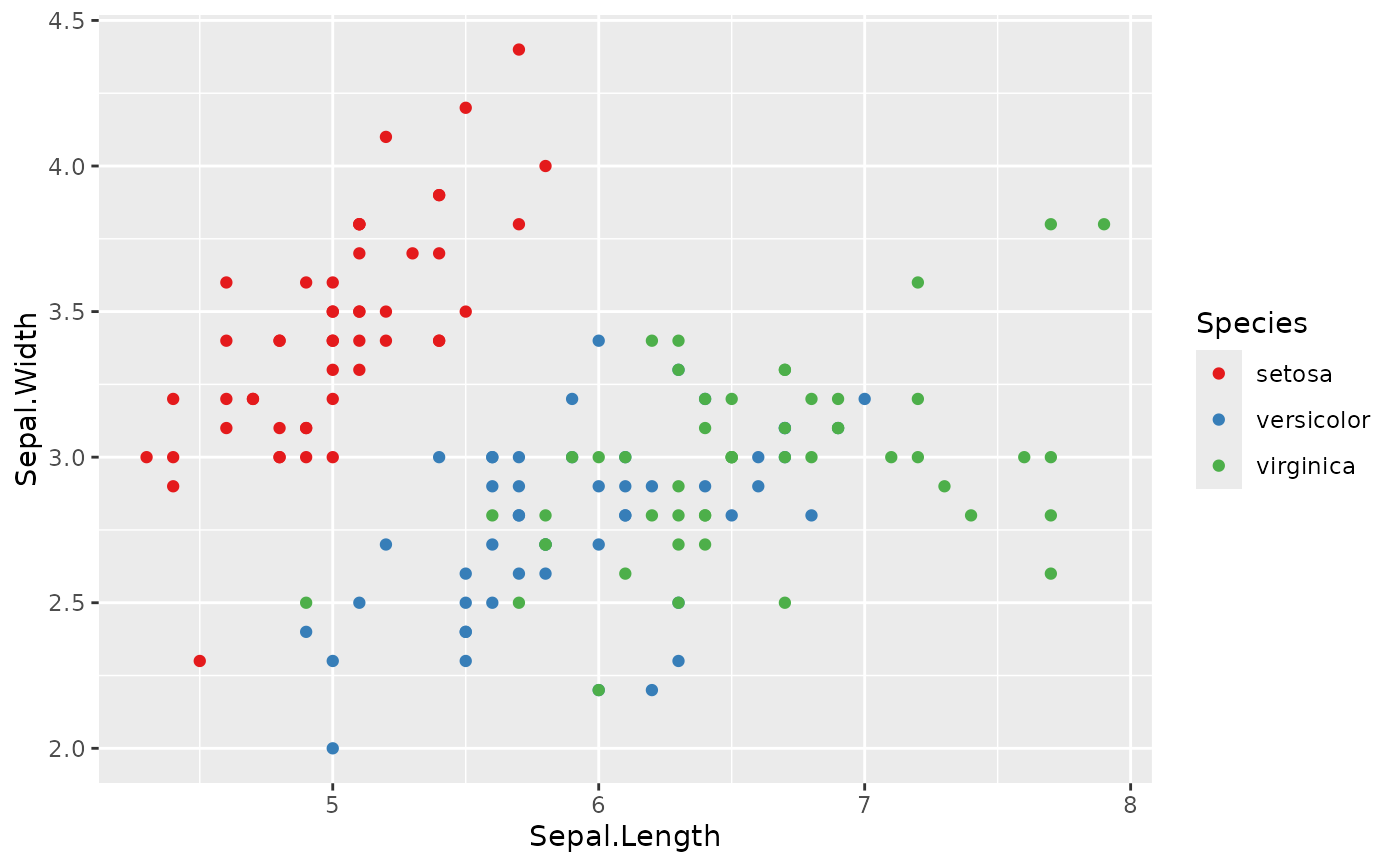
d <- ggplot2::ggplot(iris, ggplot2::aes(Sepal.Length, Sepal.Width, colour = Species)) +
ggplot2::geom_point()
d + scale_color_theme("Set 1")
 d + scale_color_theme("SunsetDark", discrete = TRUE)