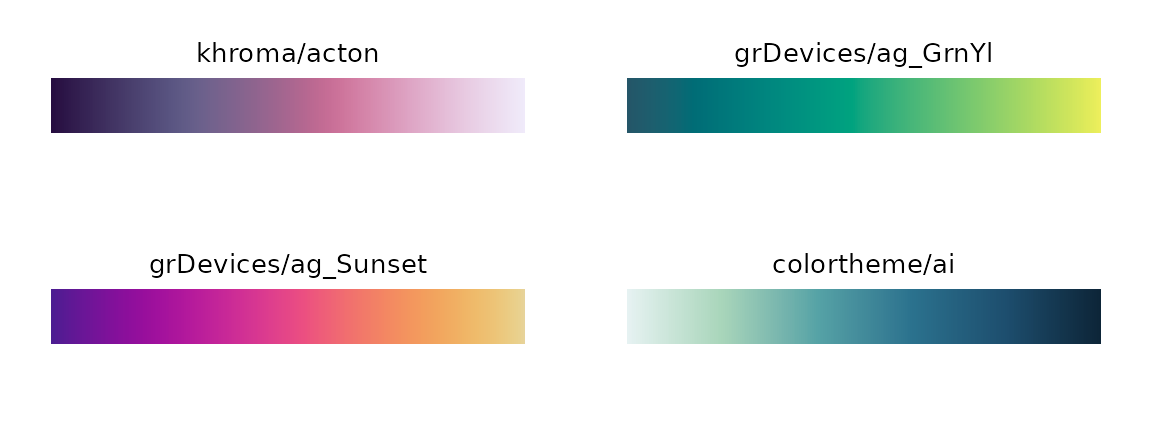
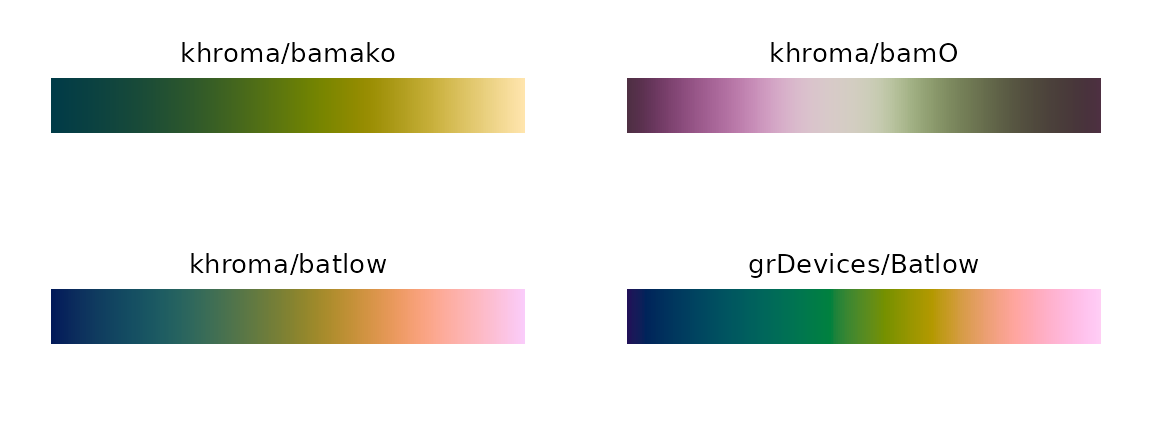
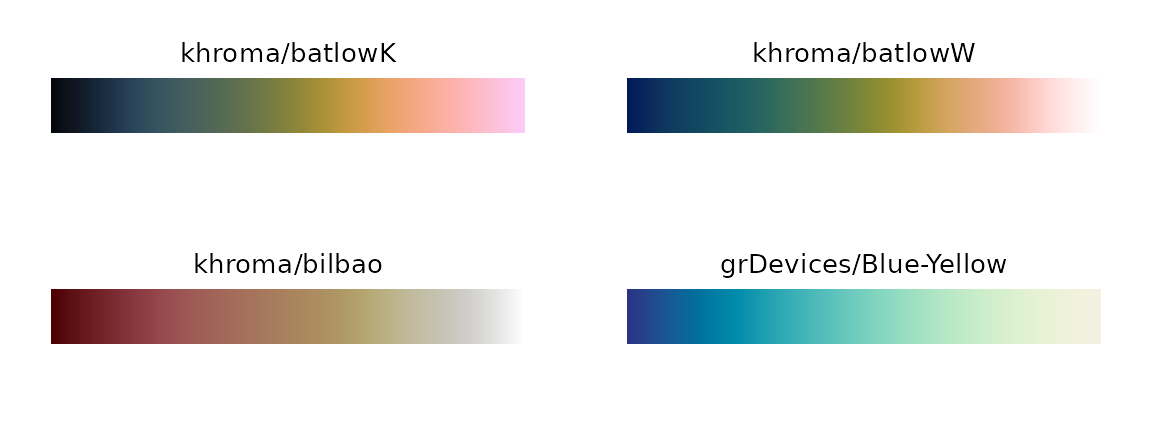
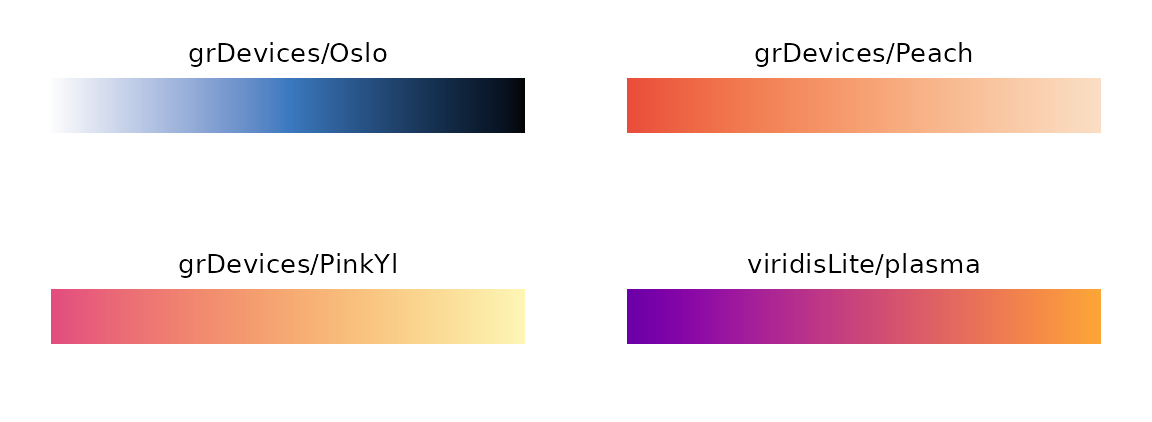
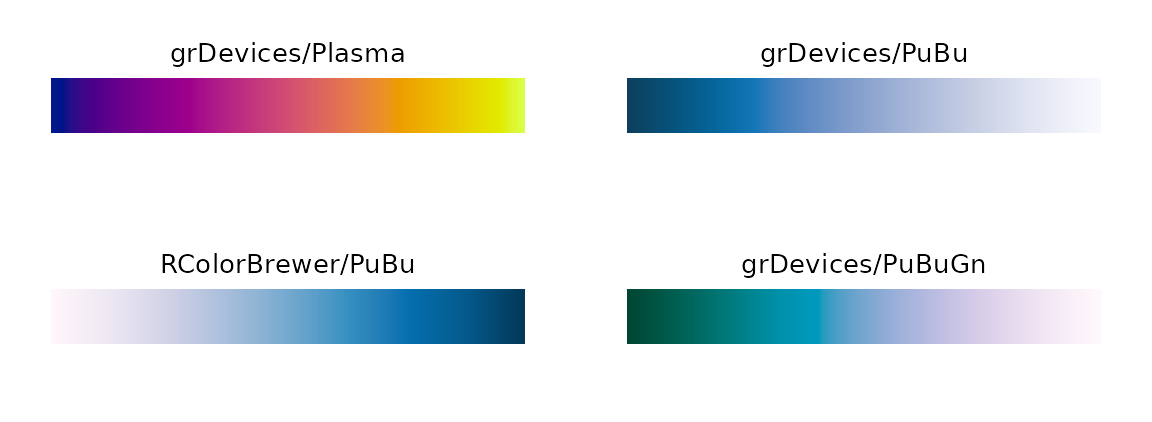
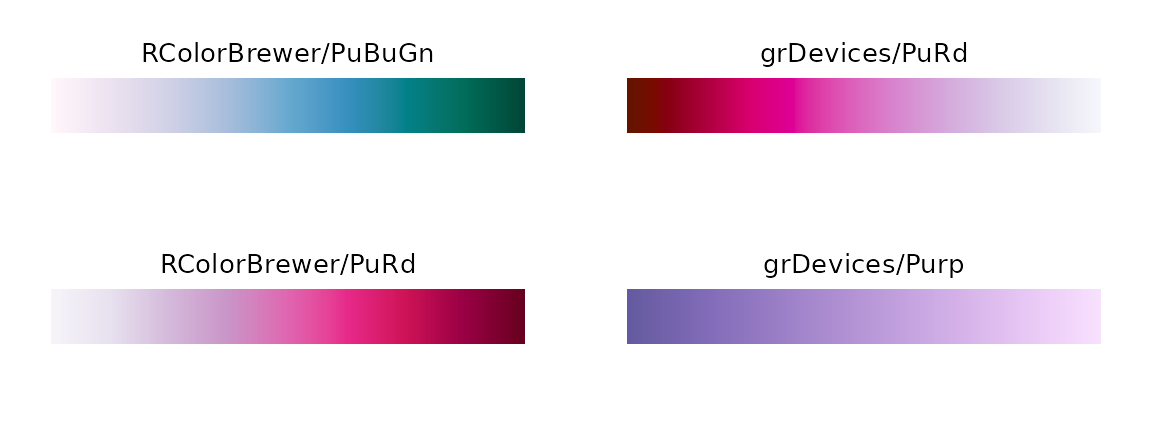
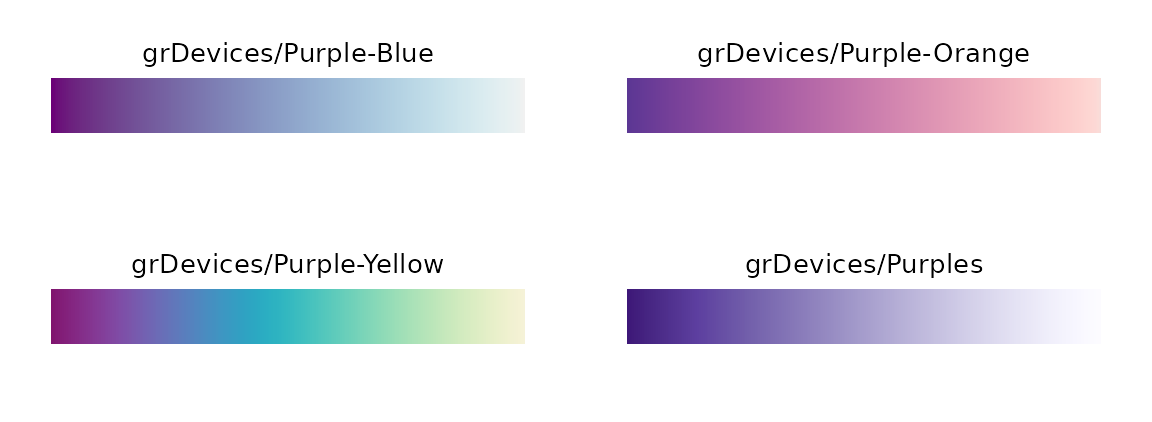
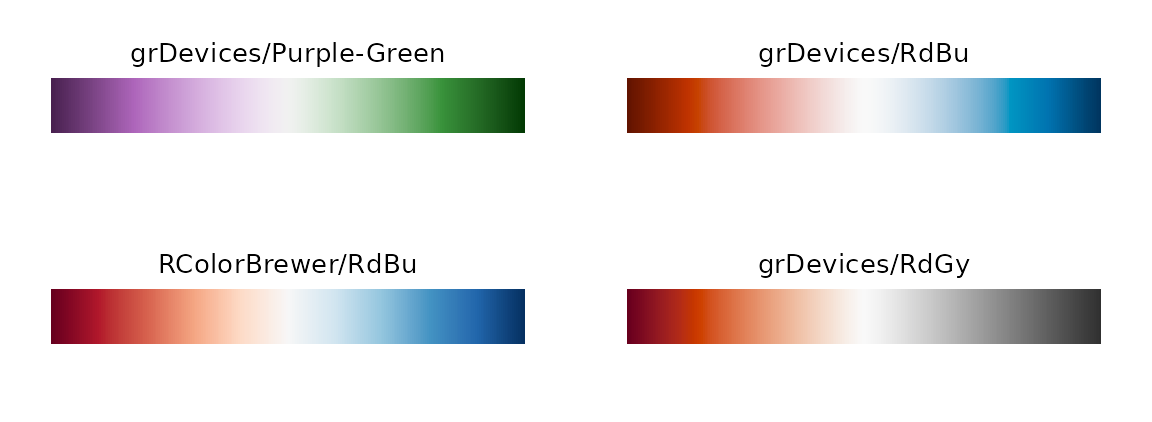
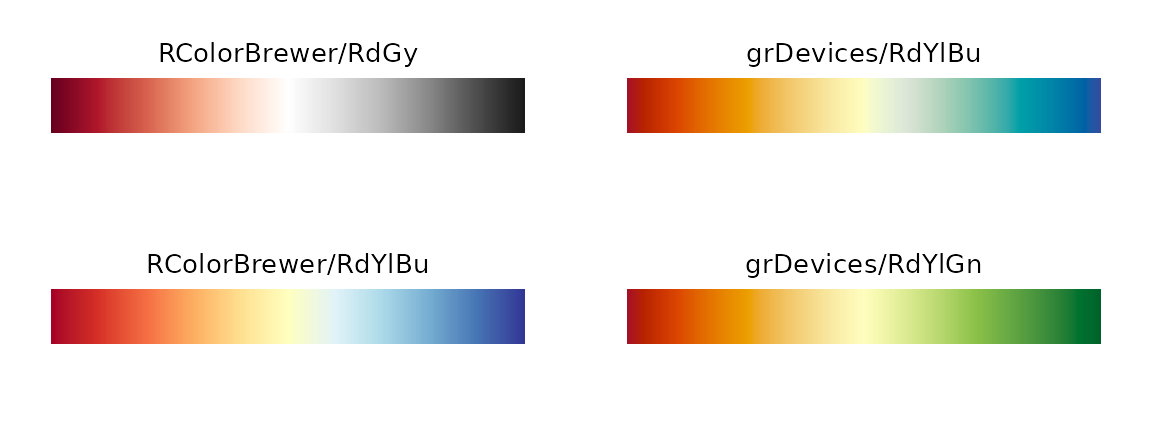
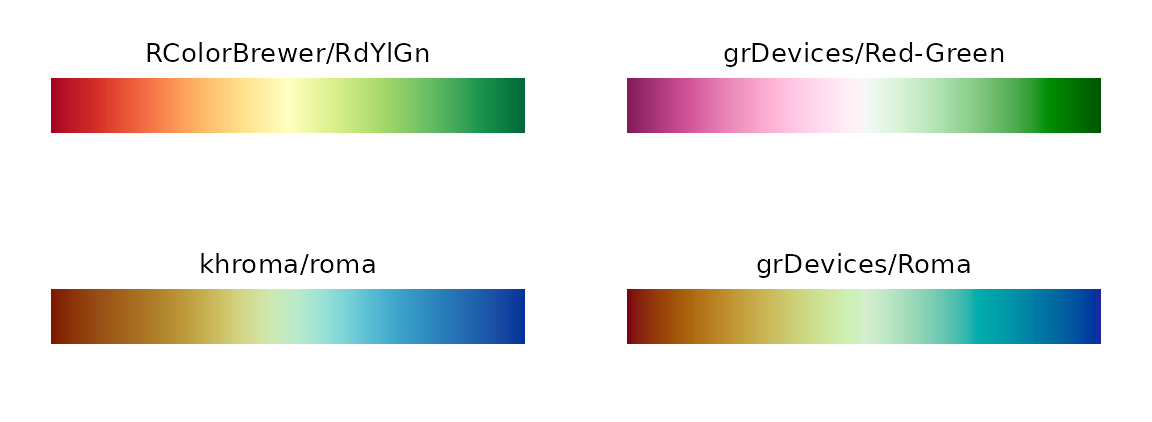
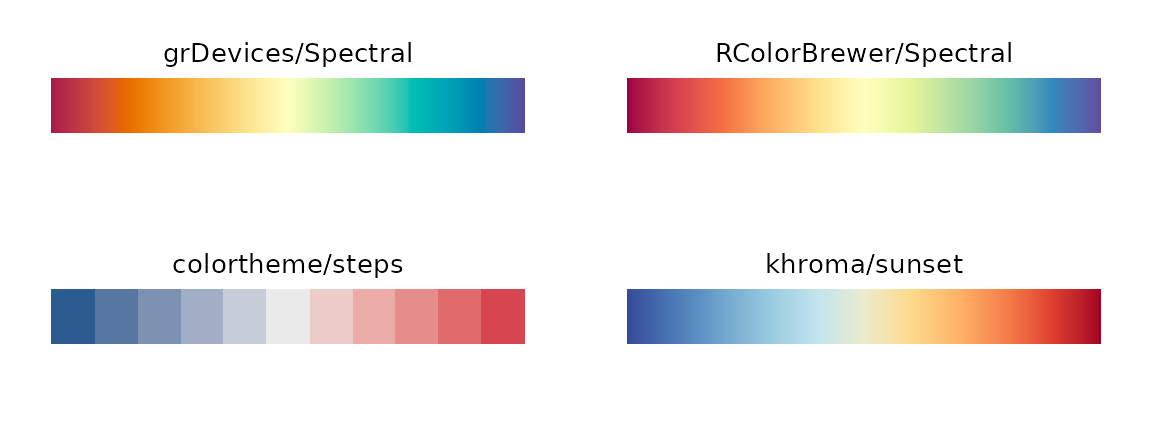
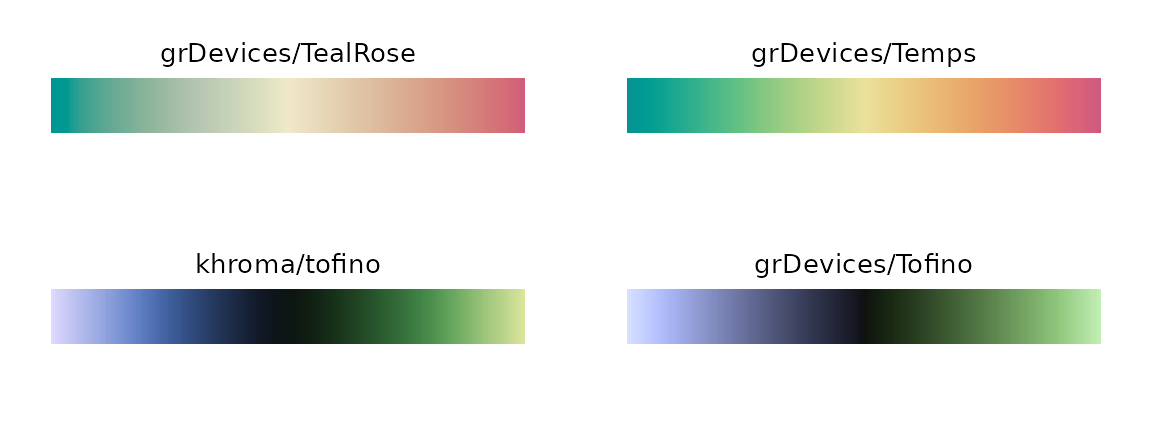
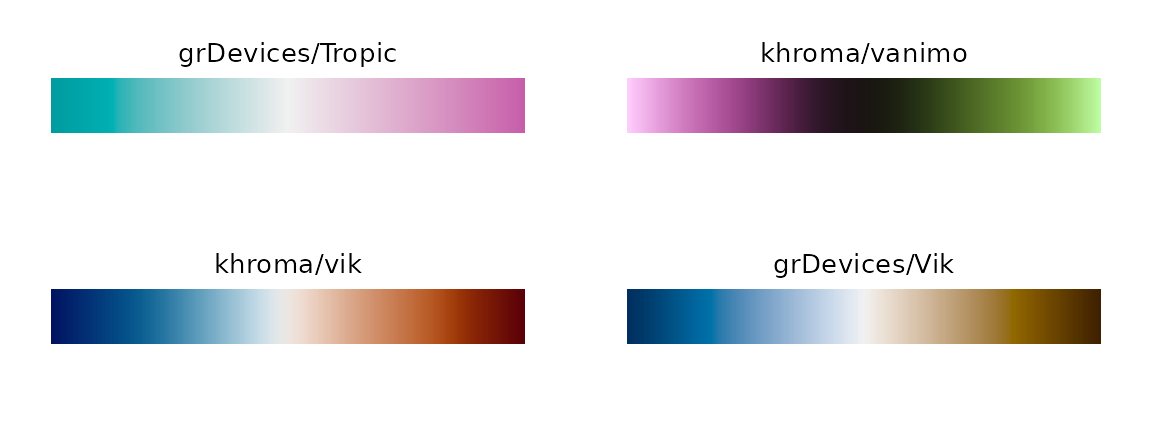
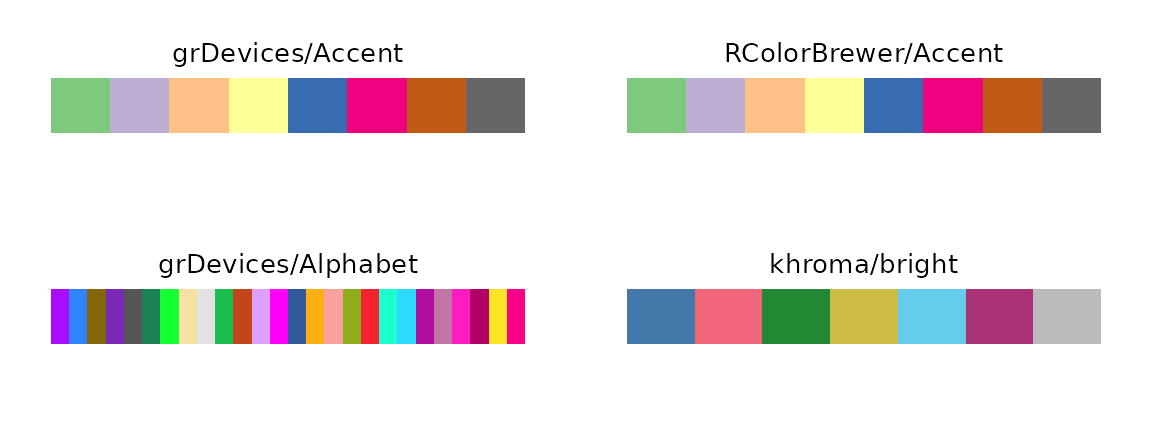
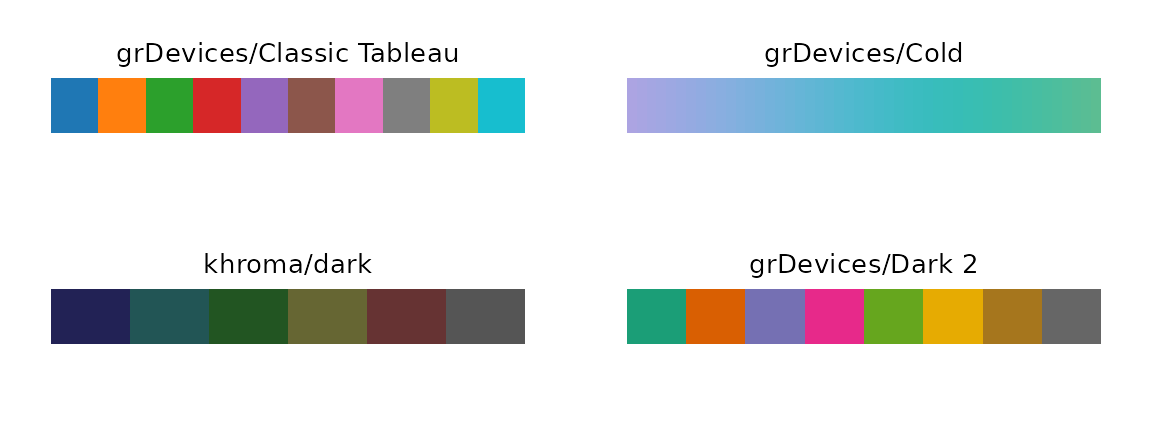
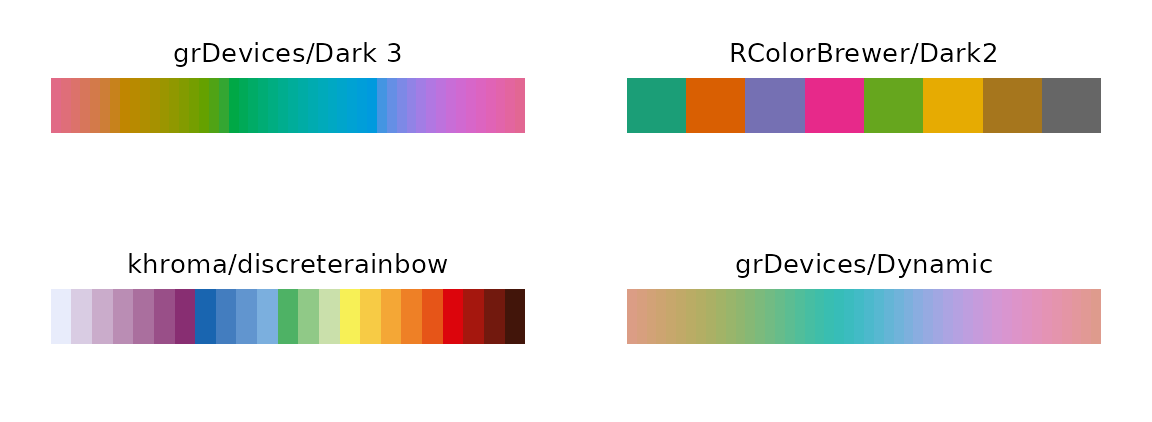
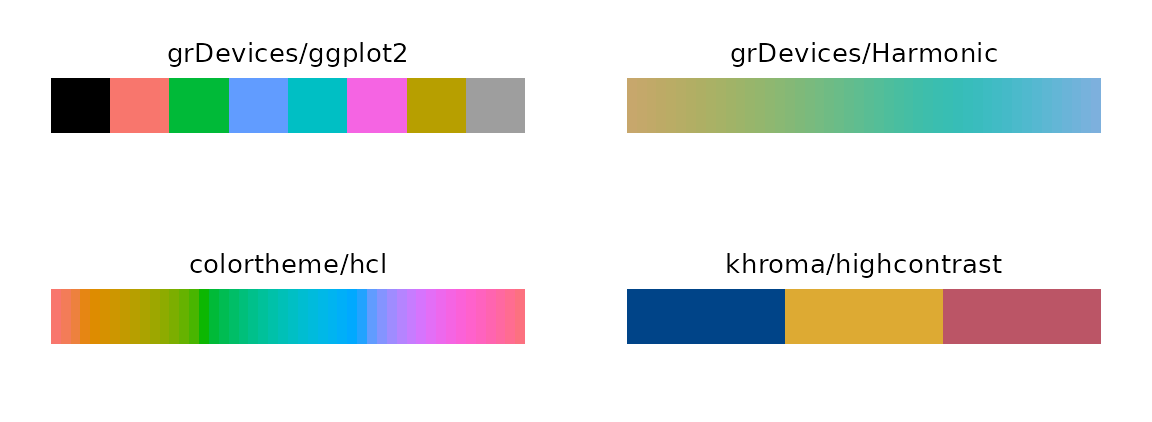
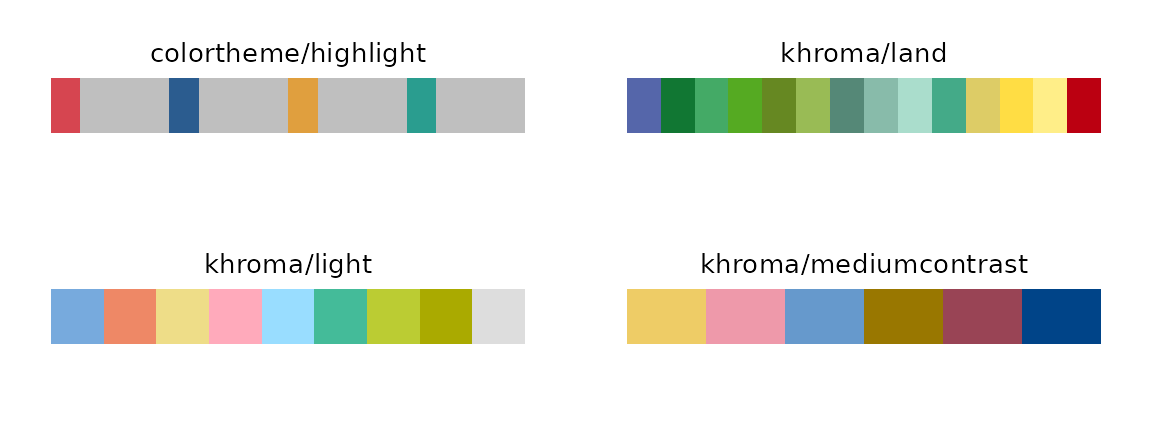
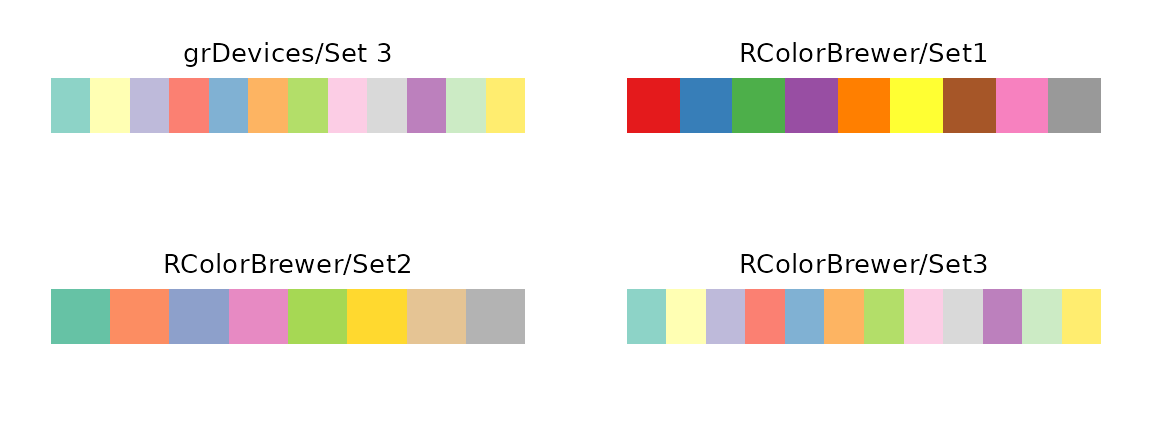
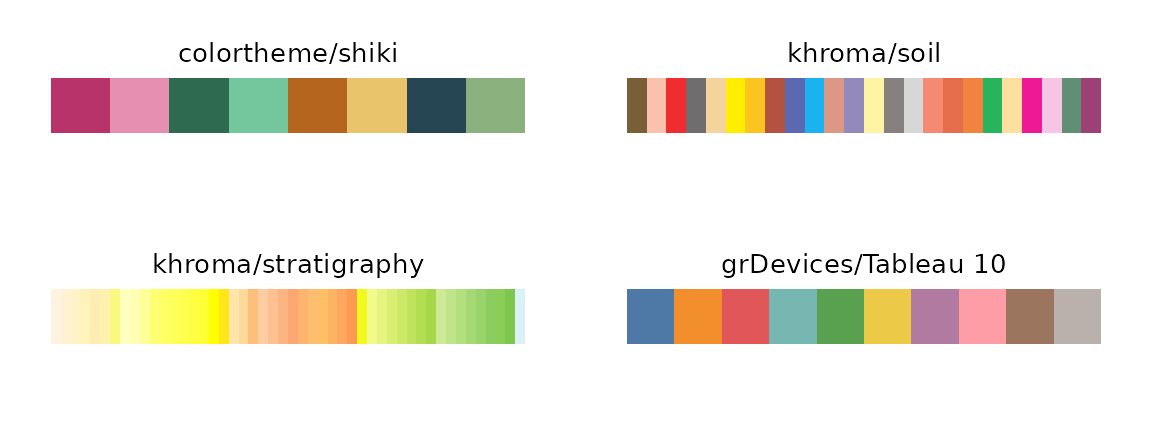
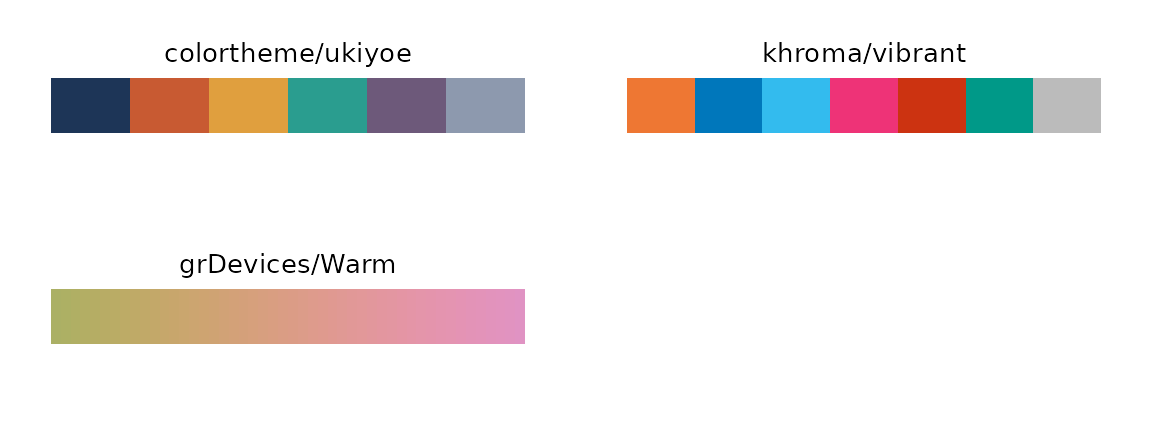
Color themes
The "colortheme" object provides two color-generating
functions: palette() and ramp(). The
palette() function accepts an integer
and returns a vector of
discrete colors. It is primarily intended for
qualitative themes, where distinct colors are used to
represent categorical data. The ramp() function accepts a
numeric vector
with values in the
interval and returns a vector of corresponding colors. It maps numeric
values onto a continuous color gradient (or stepped color bands), making
it suitable for sequential and
diverging themes as well as binned scales.
Pre-defined themes
You can get a pre-defined "colortheme" object by
providing a theme name to the colortheme() function.
library(colortheme)
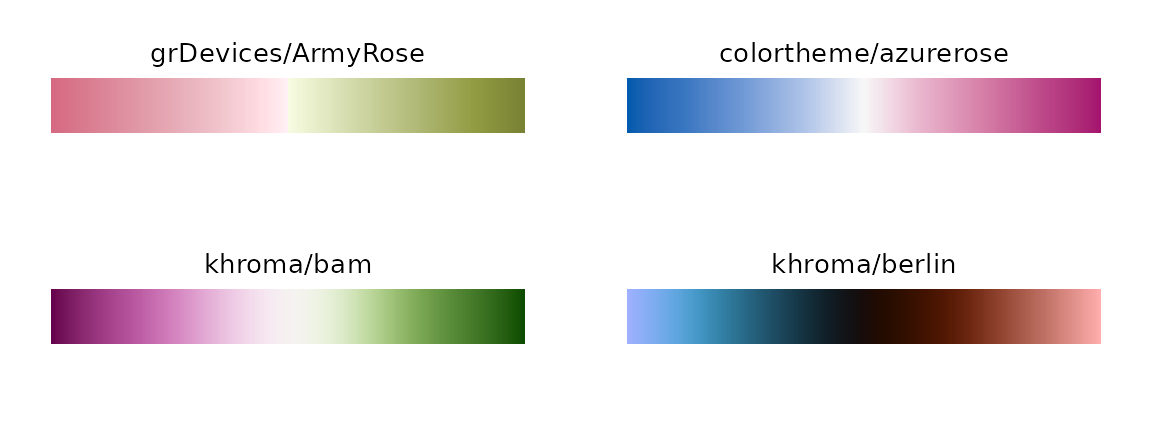
# diverging color theme "azurerose" (package:colortheme)
azurerose <- colortheme("azurerose")
print(azurerose)
#> Diverging Color Theme: 'azurerose' (from 'colortheme')
#>
#> Kernel Class: color
#>
#> Kernel Colors:
#> #005AAD, #3B78C2, #729BD6, #AFC4E8, #F7F7F7, #E8B3CC, #D67FA8, #BD4989, #A4136E
#>
#> Options:
#>   kernel.size      : 9L
#>   palette.formatter: "interpolate"
#>   palette.reverse  : FALSE
#>   ramp.rescaler    : c(0, 1)
#>   ramp.steps       : Inf
#>   na.color         : NA
#>   reverse.method   : NA
#>
#> Kernel Arguments:
#>   mode : "ramp"
#>   alpha: NA
The palette and ramp functions are accessible via $
operator.
azurerose$palette(5)
#> [1] "#005AAD" "#729BD6" "#F7F7F7" "#D67FA8" "#A4136E"
azurerose$ramp(seq.int(0, 1, by = 0.1))
#>  [1] "#005AAD" "#3372BE" "#5E8DCE" "#8BABDD" "#BECEEB" "#F7F7F7" "#ECC1D4"
#>  [8] "#DE94B6" "#CC6A9B" "#B84084" "#A4136E"
# sequential color theme "viridis" (package:viridisLite)
viridis <- colortheme("viridis")
print(viridis)
#> Sequential Color Theme: 'viridis' (from 'viridisLite')
#>
#> Kernel Class: palette
#>
#> Kernel Function:
#> function (n, alpha = 1, begin = 0, end = 1, direction = 1, option = "D")
#>
#> Options:
#>   kernel.size      : Inf
#>   reverse.method   : "kernel.args$direction <- - kernel.args$direction"
#>   palette.formatter: "interpolate"
#>   palette.reverse  : FALSE
#>   ramp.rescaler    : c(0, 1)
#>   ramp.steps       : Inf
#>   na.color         : NA
#>
#> Kernel Arguments:
#>   option   : "viridis"
#>   alpha    : 1
#>   begin    : 0.2
#>   end      : 0.8
#>   direction: 1
The palette and ramp can also be extracted using corresponding helper
functions; as_palette() and as_ramp().
as_palette(viridis)(5)
#> [1] "#414487FF" "#2F6C8EFF" "#21908CFF" "#2FB47CFF" "#7AD151FF"
as_ramp(viridis)(seq.int(0, 1, by = 0.1))
#>  [1] "#414487" "#3A548C" "#32658E" "#2C738E" "#26828E" "#21918C" "#1F9F88"
#>  [8] "#26AD81" "#3ABA76" "#58C666" "#7AD151"
You can modify themes by reversing the color order
or changing the theme type (e.g., from sequential to
qualitative). Note that converting a theme to @qualitative
also turns its $ramp() into a stepped (binned) color ramp
by default. These changes can be applied in two ways:
-
Using Arguments : provide the appropriate argument
to the function, such as
reverse = TRUEortype = "qualitative". -
Using Suffixes : for convenience, you can append a
suffix directly to the theme’s name.
_rto reverse the theme,@q(or longer, such as@qual) to make the theme qualitative (@dfor diverging,@sfor sequential).
colortheme("azurerose", reverse = TRUE, type = "q")
#> Qualitative Color Theme: 'azurerose' (from 'colortheme')
#>
#> Kernel Class: color
#>
#> Kernel Colors:
#> #A4136E, #BD4989, #D67FA8, #E8B3CC, #F7F7F7, #AFC4E8, #729BD6, #3B78C2, #005AAD
#>
#> Options:
#>   kernel.size      : 9L
#>   palette.formatter: "interpolate"
#>   palette.reverse  : FALSE
#>   ramp.rescaler    : c(0, 1)
#>   ramp.steps       : Inf
#>   na.color         : NA
#>   reverse.method   : NA
#>
#> Kernel Arguments:
#>   mode : "ramp"
#>   alpha: NA
colortheme("azurerose_r@qualitative")
#> Qualitative Color Theme: 'azurerose' (from 'colortheme')
#>
#> Kernel Class: color
#>
#> Kernel Colors:
#> #A4136E, #BD4989, #D67FA8, #E8B3CC, #F7F7F7, #AFC4E8, #729BD6, #3B78C2, #005AAD
#>
#> Options:
#>   kernel.size      : 9L
#>   palette.formatter: "interpolate"
#>   palette.reverse  : FALSE
#>   ramp.rescaler    : c(0, 1)
#>   ramp.steps       : Inf
#>   na.color         : NA
#>   reverse.method   : NA
#>
#> Kernel Arguments:
#>   mode : "ramp"
#>   alpha: NA
You can also customize kernel arguments and option parameters on the
fly using query parameters after ? (e.g.,
"highlight?which=1:2" or
"viridis?ramp.steps=5").
colortheme("viridis", type = "q", kernel.size = 7, begin = 0, end = 1)
#> Qualitative Color Theme: 'viridis' (from 'viridisLite')
#>
#> Kernel Class: palette
#>
#> Kernel Function:
#> function (n, alpha = 1, begin = 0, end = 1, direction = 1, option = "D")
#>
#> Options:
#>   kernel.size      : 7
#>   reverse.method   : "kernel.args$direction <- - kernel.args$direction"
#>   palette.formatter: "interpolate"
#>   palette.reverse  : FALSE
#>   ramp.rescaler    : c(0, 1)
#>   ramp.steps       : Inf
#>   na.color         : NA
#>
#> Kernel Arguments:
#>   option   : "viridis"
#>   alpha    : 1
#>   begin    : 0
#>   end      : 1
#>   direction: 1
colortheme("viridis@qual?kernel.size=7;begin=0;end=1")
#> Qualitative Color Theme: 'viridis' (from 'viridisLite')
#>
#> Kernel Class: palette
#>
#> Kernel Function:
#> function (n, alpha = 1, begin = 0, end = 1, direction = 1, option = "D")
#>
#> Options:
#>   kernel.size      : 7
#>   reverse.method   : "kernel.args$direction <- - kernel.args$direction"
#>   palette.formatter: "interpolate"
#>   palette.reverse  : FALSE
#>   ramp.rescaler    : c(0, 1)
#>   ramp.steps       : Inf
#>   na.color         : NA
#>
#> Kernel Arguments:
#>   option   : "viridis"
#>   alpha    : 1
#>   begin    : 0
#>   end      : 1
#>   direction: 1
By setting ramp.steps (either as an integer for equal
bins or as a numeric vector of cutoffs in
),
any continuous theme can be quantized into a stepped color ramp:
# Quantize into 5 equal steps
colortheme("azurerose?ramp.steps=5")
#> Diverging Color Theme: 'azurerose' (from 'colortheme')
#>
#> Kernel Class: color
#>
#> Kernel Colors:
#> #005AAD, #3B78C2, #729BD6, #AFC4E8, #F7F7F7, #E8B3CC, #D67FA8, #BD4989, #A4136E
#>
#> Options:
#>   kernel.size      : 9L
#>   palette.formatter: "interpolate"
#>   palette.reverse  : FALSE
#>   ramp.rescaler    : c(0, 1)
#>   ramp.steps       : 5
#>   na.color         : NA
#>   reverse.method   : NA
#>
#> Kernel Arguments:
#>   mode : "ramp"
#>   alpha: NA
# Split at custom cutoffs to create a desired ramp
colortheme("azurerose?ramp.steps=seq.int(.4, .6, by=.02)")
#> Diverging Color Theme: 'azurerose' (from 'colortheme')
#>
#> Kernel Class: color
#>
#> Kernel Colors:
#> #005AAD, #3B78C2, #729BD6, #AFC4E8, #F7F7F7, #E8B3CC, #D67FA8, #BD4989, #A4136E
#>
#> Options:
#>   kernel.size      : 9L
#>   palette.formatter: "interpolate"
#>   palette.reverse  : FALSE
#>   ramp.rescaler    : c(0, 1)
#>   ramp.steps       : c(0.4, 0.42, 0.44, 0.46, 0.48, 0.5, 0.52, 0.54, 0.56, 0.58, 0.6)
#>   na.color         : NA
#>   reverse.method   : NA
#>
#> Kernel Arguments:
#>   mode : "ramp"
#>   alpha: NA
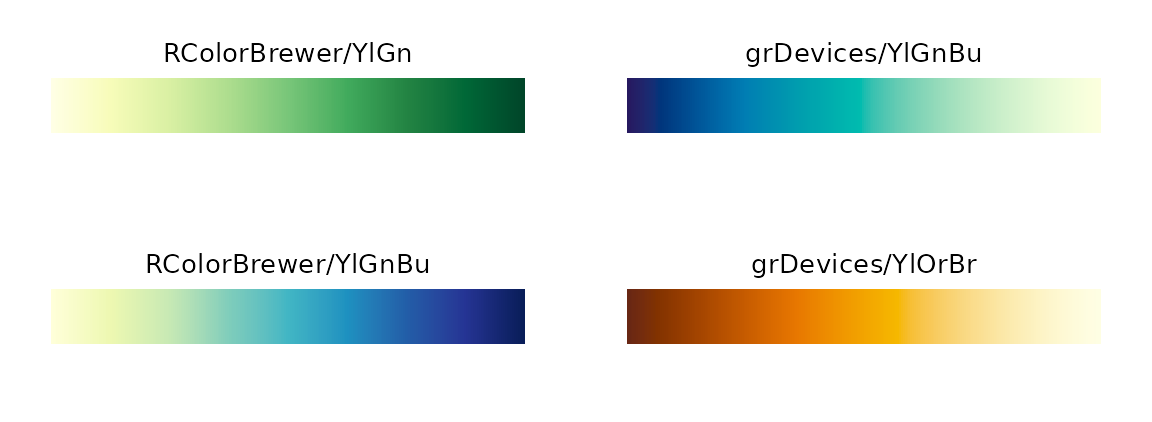
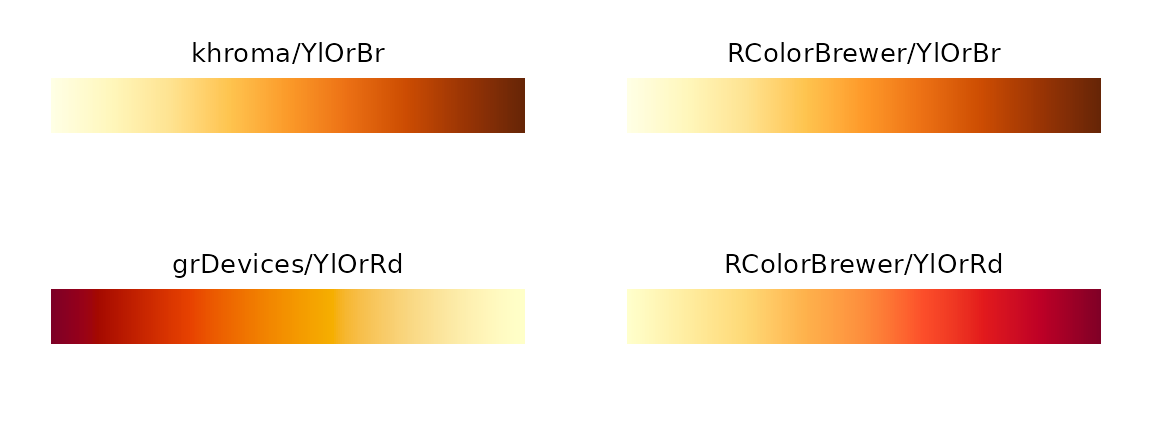
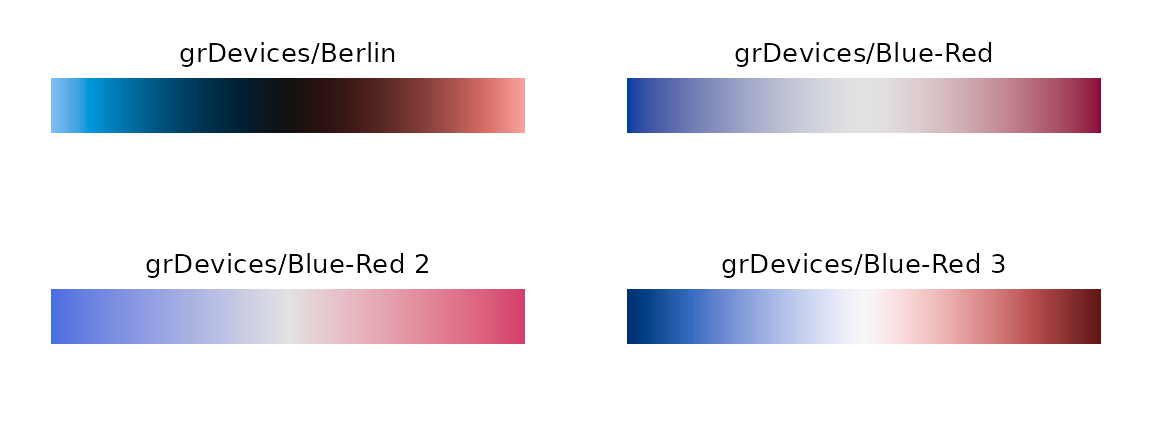
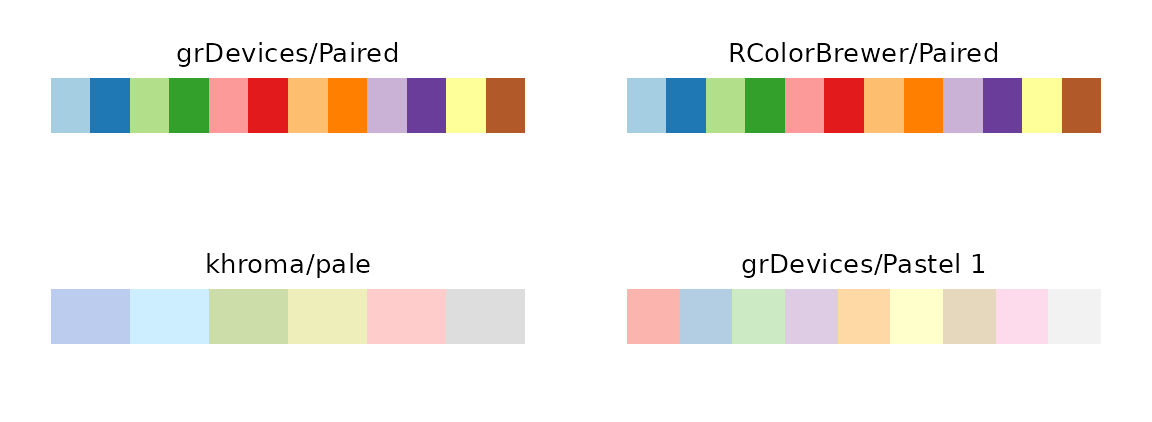
When multiple packages provide a theme with the same name (e.g.,
"Paired"), you can specify which one to use in two
ways:
-
Using Argument : provide the package name to the
sourceargument (e.g.,source = "grDevices"). -
Using Prefix : prepend the package name and a
forward slash to the theme name (e.g.,
"RColorBrewer/Paired").
# qualitative color theme "Paired" (package:grDevices)
colortheme("Paired", source = "grDevices")
#> Qualitative Color Theme: 'Paired' (from 'grDevices')
#>
#> Kernel Class: palette
#>
#> Kernel Function:
#> function (n = NULL, palette = "Okabe-Ito", alpha, recycle = FALSE, names = FALSE)
#>
#> Options:
#>   kernel.size      : 12L
#>   palette.formatter: "recycle"
#>   palette.reverse  : FALSE
#>   ramp.rescaler    : c(0, 1)
#>   ramp.steps       : 12
#>   na.color         : NA
#>   reverse.method   : NA
#>
#> Kernel Arguments:
#>   palette: "Paired"
#>   alpha  : NULL
#>   recycle: FALSE
# qualitative color theme "Paired" (package:RColorBrewer)
colortheme("RColorBrewer/Paired")
#> Qualitative Color Theme: 'Paired' (from 'RColorBrewer')
#>
#> Kernel Class: color
#>
#> Kernel Colors:
#> #A6CEE3, #1F78B4, #B2DF8A, #33A02C, #FB9A99, #E31A1C, #FDBF6F, #FF7F00, #CAB2D6, #6A3D9A, #FFFF99, #B15928
#>
#> Options:
#>   kernel.size      : 12L
#>   palette.formatter: "recycle"
#>   palette.reverse  : FALSE
#>   ramp.rescaler    : c(0, 1)
#>   ramp.steps       : 12
#>   na.color         : NA
#>   reverse.method   : NA
#>
#> Kernel Arguments:
#>   mode : "palette"
#>   alpha: NA
Custom themes
Alternatively, you can create a new "colortheme" object
by passing a custom color vector or function to the first argument of
colortheme().
# create a new color theme using a color vector
mytheme <- colortheme(
  c("#003f5c", "#7a5195", "#ef5675", "#ffa600"),
  type = "sequential", name = "mytheme"
)
print(mytheme)
#> Sequential Color Theme: 'mytheme'
#>
#> Kernel Class: color
#>
#> Kernel Colors:
#> #003f5c, #7a5195, #ef5675, #ffa600
#>
#> Options:
#>   kernel.size      : 4L
#>   palette.formatter: "interpolate"
#>   palette.reverse  : FALSE
#>   ramp.rescaler    : c(0, 1)
#>   ramp.steps       : Inf
#>   na.color         : NA
#>   reverse.method   : NA
#>
#> Kernel Arguments:
#>   mode : "ramp"
#>   alpha: NA
as_palette(mytheme)(5)
#> [1] "#003F5C" "#624E86" "#B85585" "#F46C63" "#FFA600"
as_ramp(mytheme)(seq.int(0, 1, by = 0.1))
#>  [1] "#003F5C" "#33466D" "#534B7E" "#70508F" "#94538F" "#B85585" "#D9567C"
#>  [8] "#F15F6E" "#F77958" "#FC903C" "#FFA600"
# create a new color theme using a color function
rainbow <- colortheme(
  grDevices::rainbow,
  name = "rainbow", source = "grDevices"
)
print(rainbow)
#> Sequential Color Theme: 'rainbow' (from 'grDevices')
#>
#> Kernel Class: palette
#>
#> Kernel Function:
#> function (n, s = 1, v = 1, start = 0, end = max(1, n - 1)/n, alpha, rev = FALSE)
#>
#> Options:
#>   kernel.size      : Inf
#>   palette.formatter: "interpolate"
#>   palette.reverse  : FALSE
#>   ramp.rescaler    : c(0, 1)
#>   ramp.steps       : Inf
#>   na.color         : NA
#>   reverse.method   : NA
as_palette(rainbow)(5)
#> [1] "#FF0000" "#CCFF00" "#00FF66" "#0066FF" "#CC00FF"
as_ramp(rainbow)(seq.int(0, 1, by = 0.1))
#>  [1] "#FF0000" "#FF9800" "#CDFF00" "#35FF00" "#00FF64" "#00FFFC" "#006AFF"
#>  [8] "#2F00FF" "#C700FF" "#FF009E" "#FF0006"
You can register a custom theme to call it by name later in your
current R session. To do so, use the register_colortheme()
function.
register_colortheme(mytheme, name = "mytheme", source = "custom")
colortheme("custom/mytheme@q")
#> Qualitative Color Theme: 'mytheme' (from 'custom')
#>
#> Kernel Class: color
#>
#> Kernel Colors:
#> #003f5c, #7a5195, #ef5675, #ffa600
#>
#> Options:
#>   kernel.size      : 4L
#>   palette.formatter: "interpolate"
#>   palette.reverse  : FALSE
#>   ramp.rescaler    : c(0, 1)
#>   ramp.steps       : Inf
#>   na.color         : NA
#>   reverse.method   : NA
#>
#> Kernel Arguments:
#>   mode : "ramp"
#>   alpha: NA
colortheme("mytheme_r@div?alpha=.5")
#> Diverging Color Theme: 'mytheme' (from 'custom')
#>
#> Kernel Class: color
#>
#> Kernel Colors:
#> #ffa600, #ef5675, #7a5195, #003f5c
#>
#> Options:
#>   kernel.size      : 4L
#>   palette.formatter: "interpolate"
#>   palette.reverse  : FALSE
#>   ramp.rescaler    : c(0, 1)
#>   ramp.steps       : Inf
#>   na.color         : NA
#>   reverse.method   : NA
#>
#> Kernel Arguments:
#>   mode : "ramp"
#>   alpha: 0.5
Using themes with ggplot2
To apply your color themes to ggplot2 plots, use the
scale_color_theme() and scale_fill_theme()
functions. These scales integrate your themes directly into the plot’s
color and fill aesthetics.
library(ggplot2)
theme_set(theme_minimal())

set.seed(42)
dataset <- diamonds[sample(nrow(diamonds), 5000L), ]

p <- ggplot(dataset) + geom_point(aes(carat, price, col = color))
p + scale_color_theme("shiki")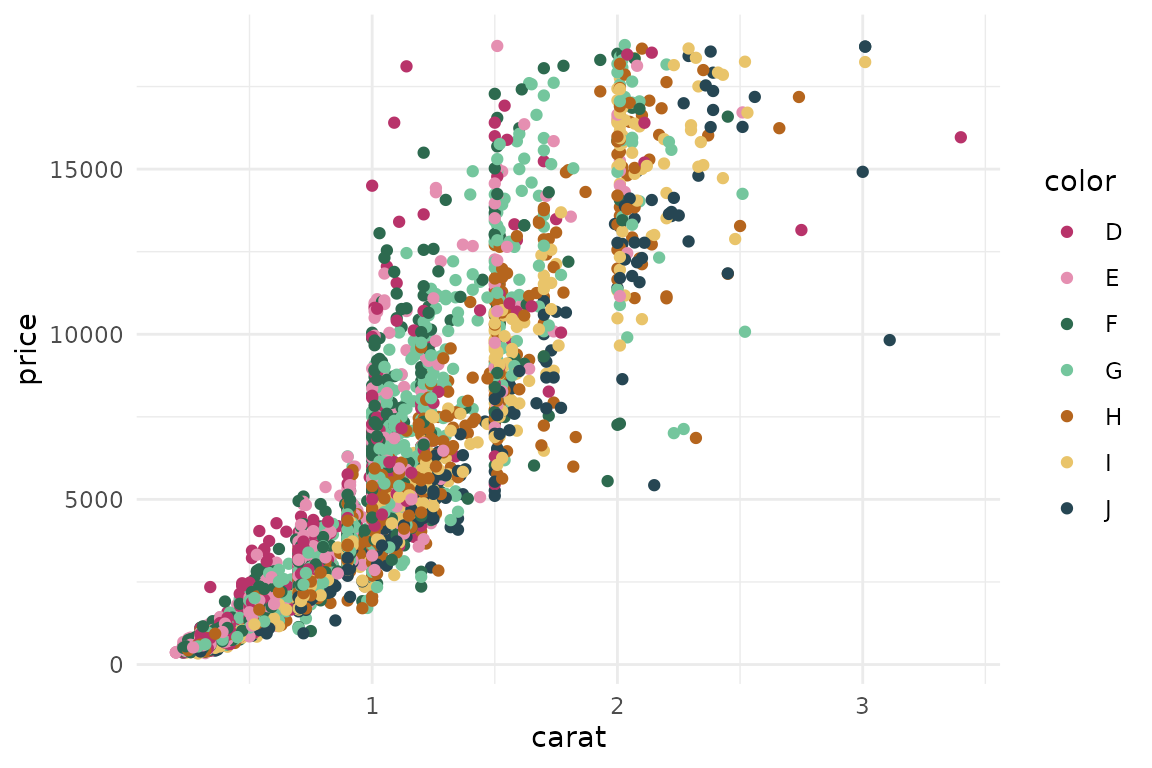
p + scale_color_theme("viridisLite/mako", discrete = TRUE)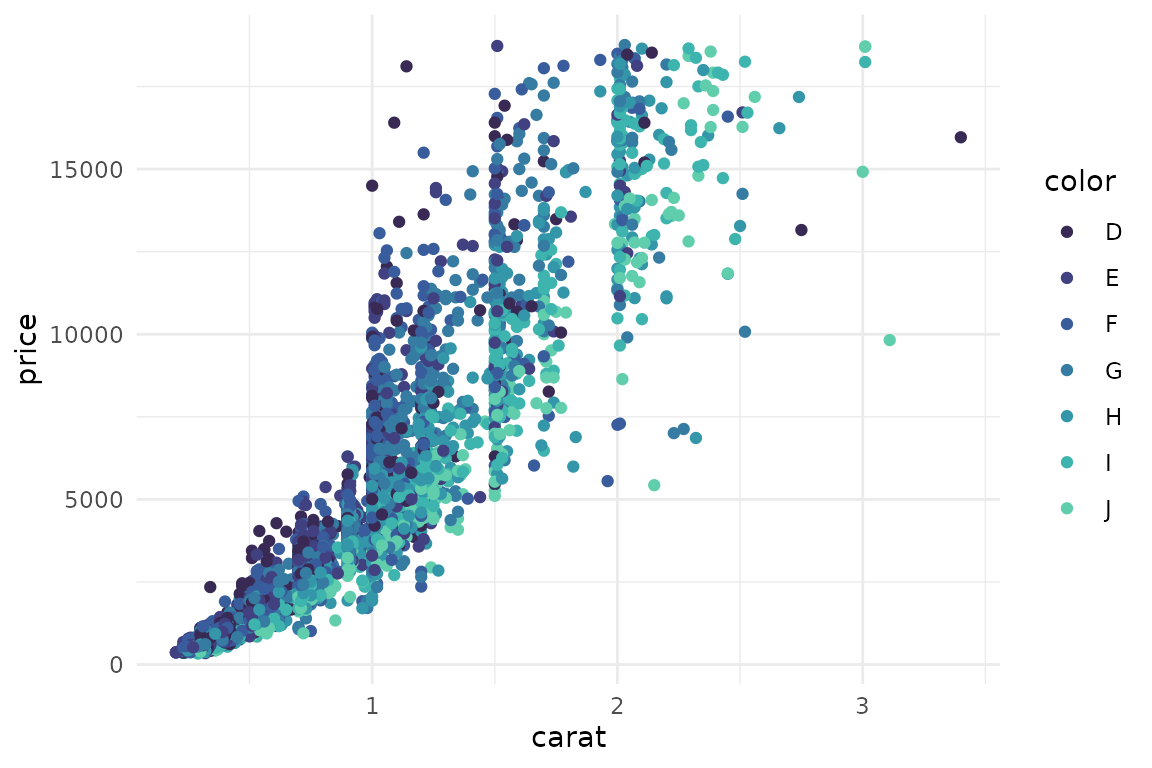
p + scale_color_theme("tokyo@qual")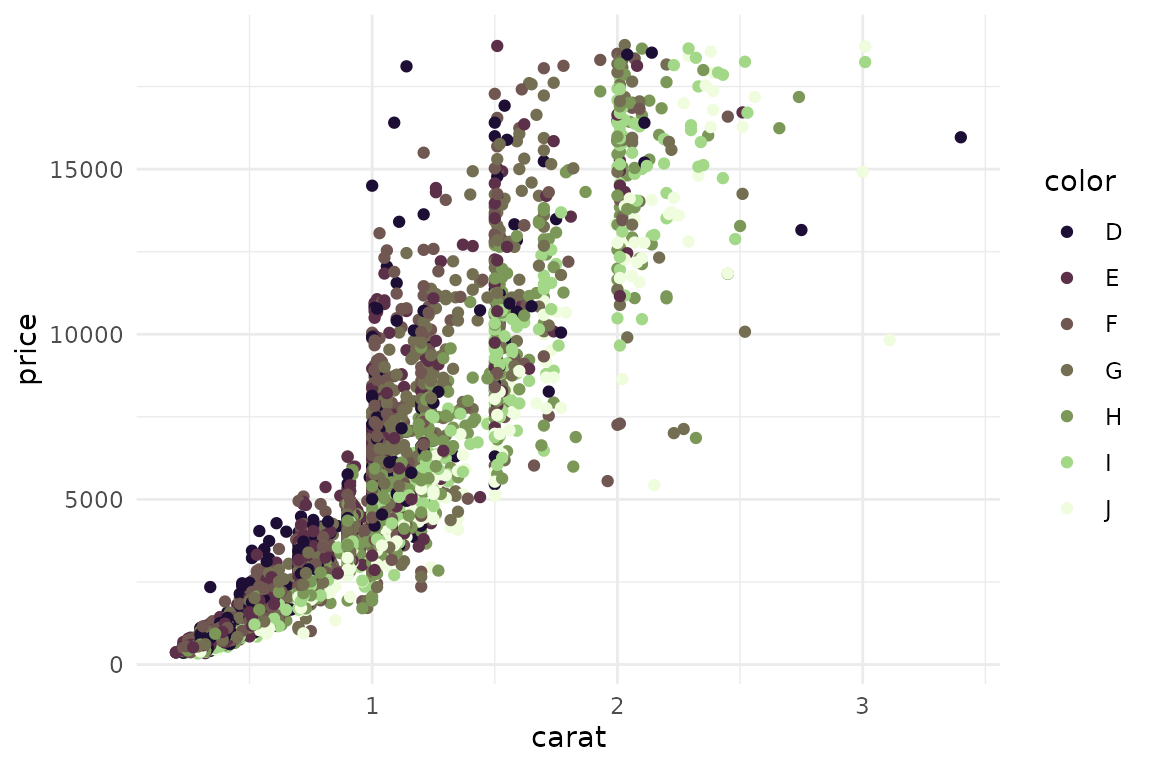
p + scale_color_theme("highlight?which=list(1, 6:7);base='transparent'")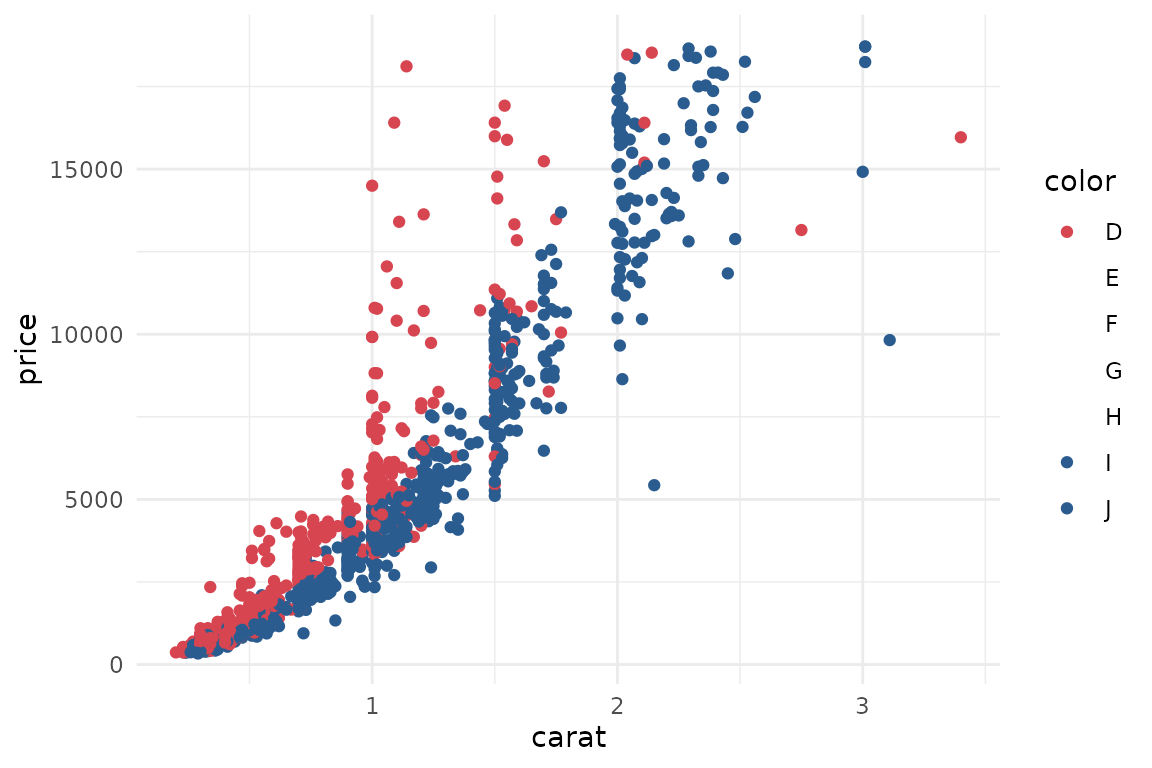
p2 <- ggplot(dataset) +
  geom_histogram(aes(x = carat, fill = cut), bins = 20)
p2 + scale_fill_theme("ukiyoe")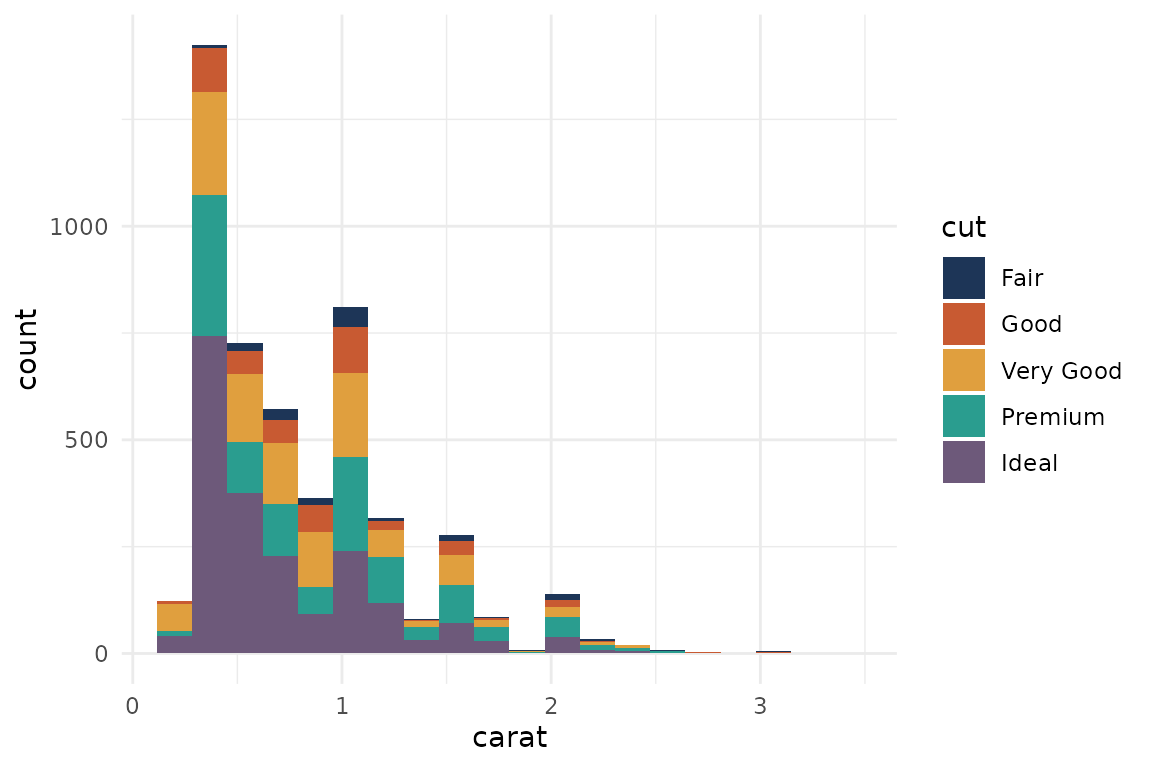
p2 + scale_fill_theme("highlight_r?which=list(1:2, 5)")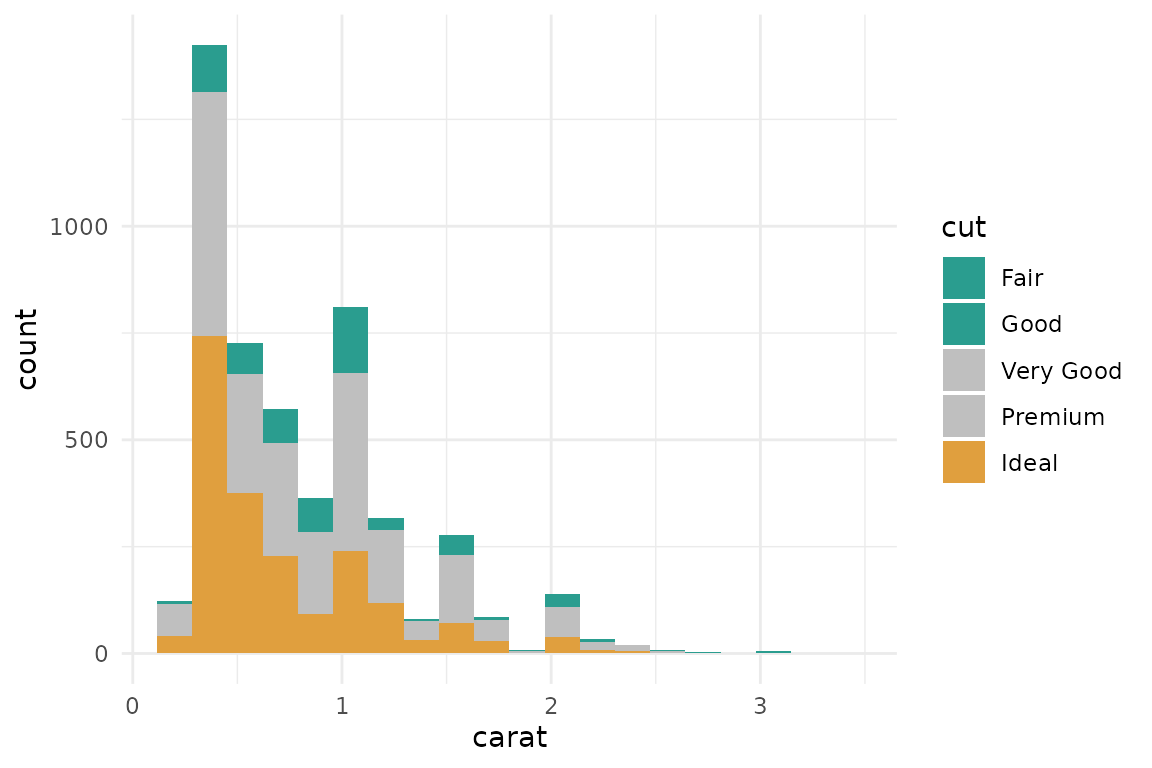
p2 + scale_fill_theme("ai@q")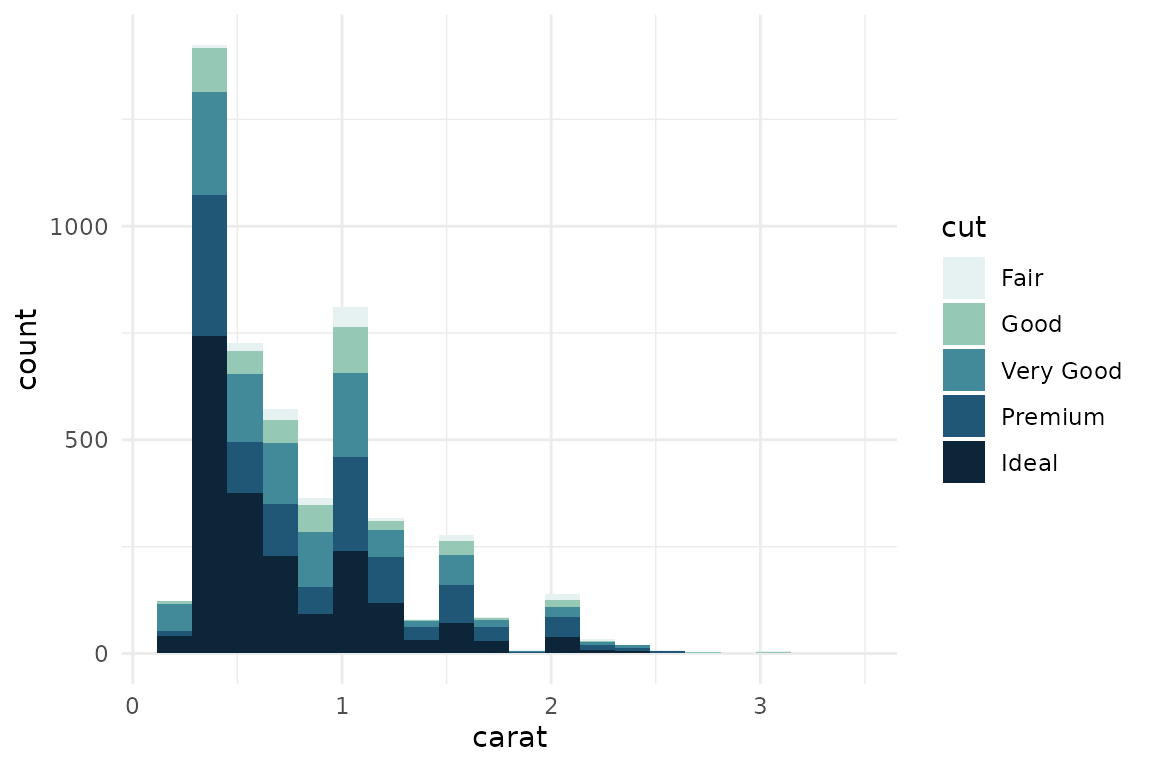
p2 + scale_fill_theme("Zissou 1_r@q")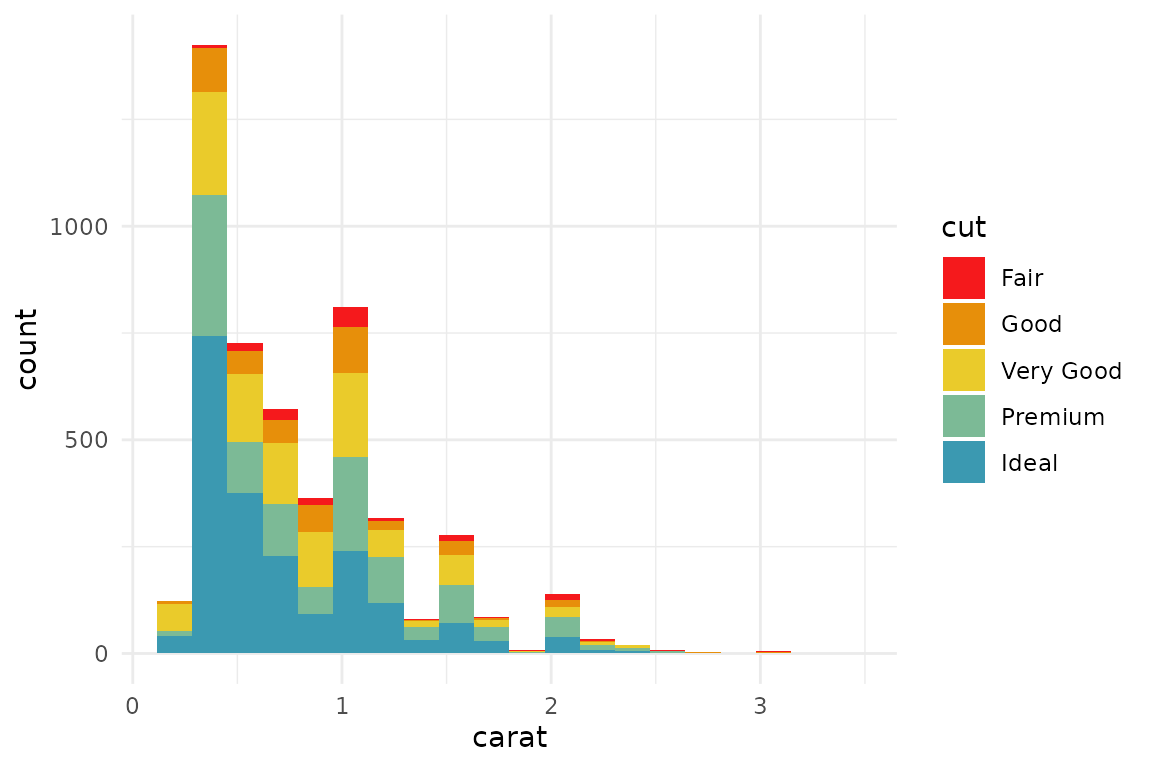
# Continuous and stepped scales with sequential, diverging, and qualitative themes
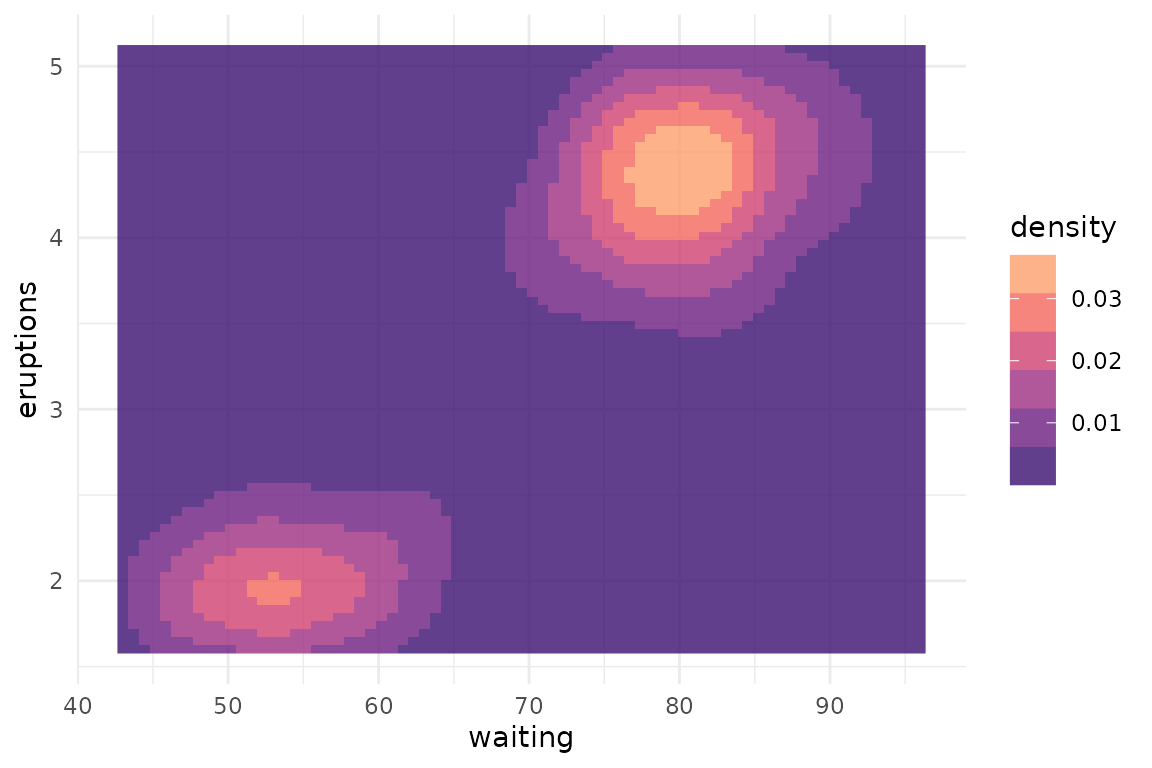
p3 <- ggplot(faithfuld, aes(waiting, eruptions, fill = density)) +
  geom_raster() + theme(legend.position = "right")
p3 + scale_fill_theme("ai")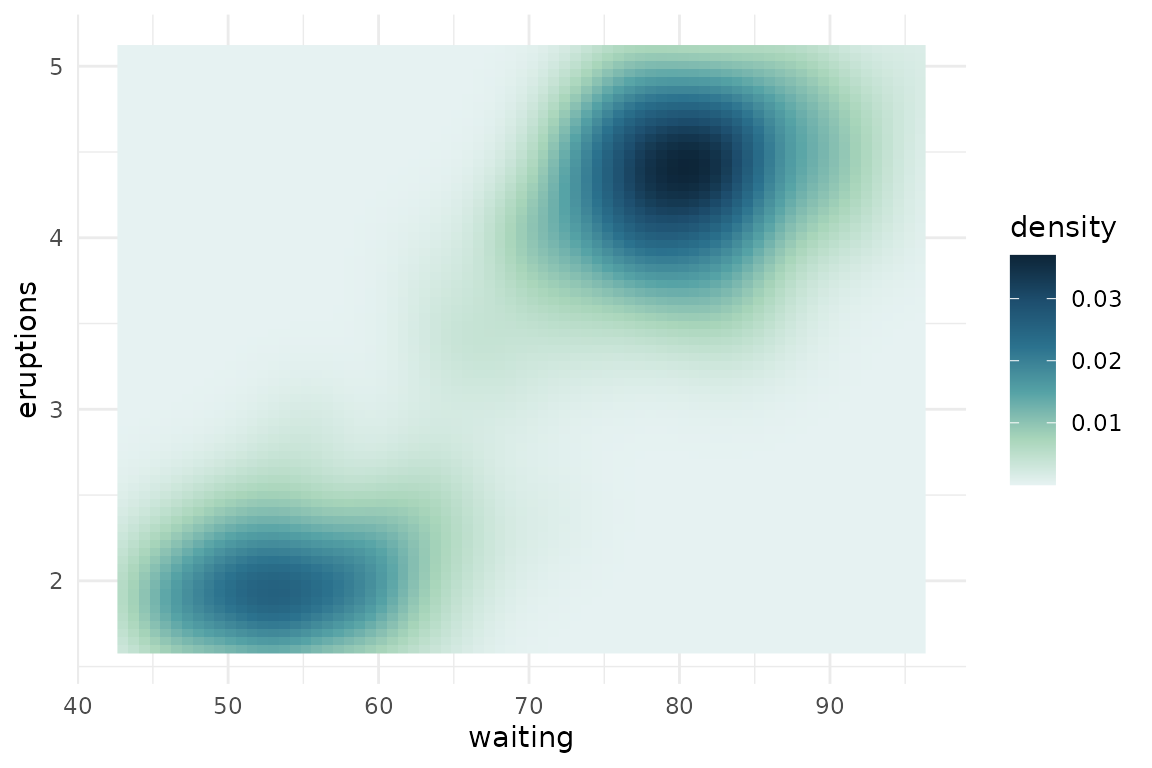
p3 + scale_fill_theme("Cividis", middle = 0.02)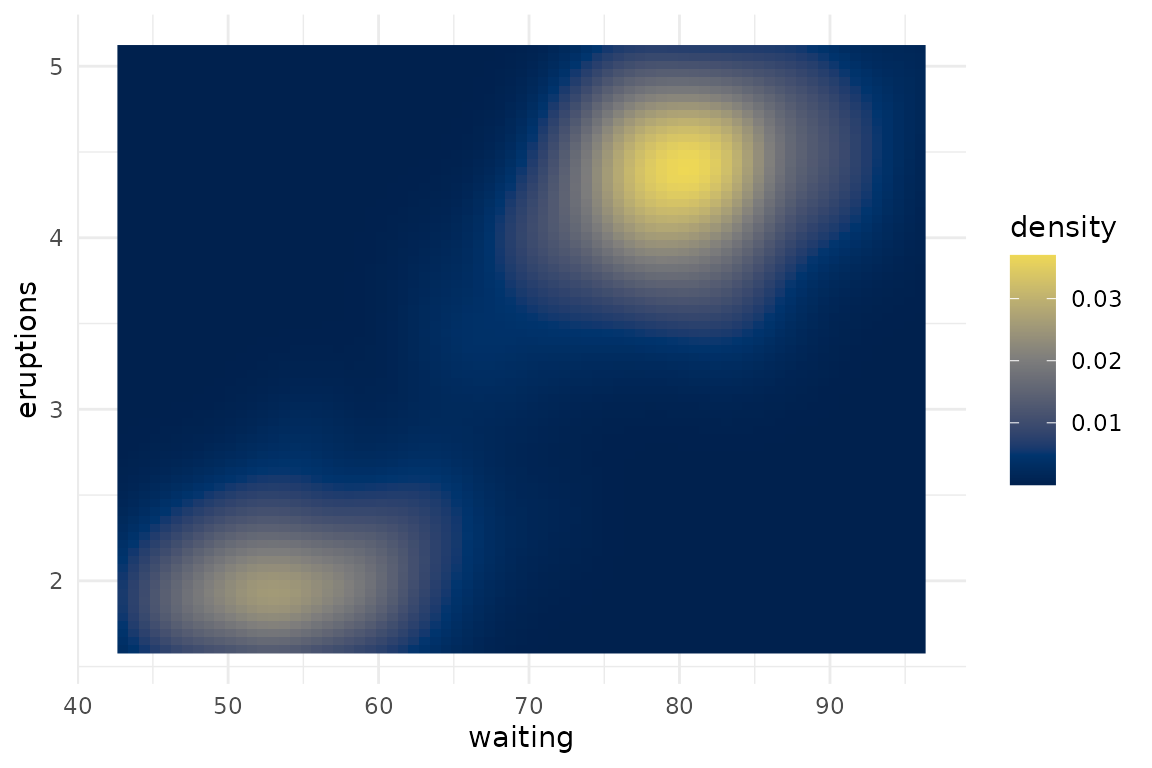
p3 + scale_fill_theme("steps", middle = 0.02)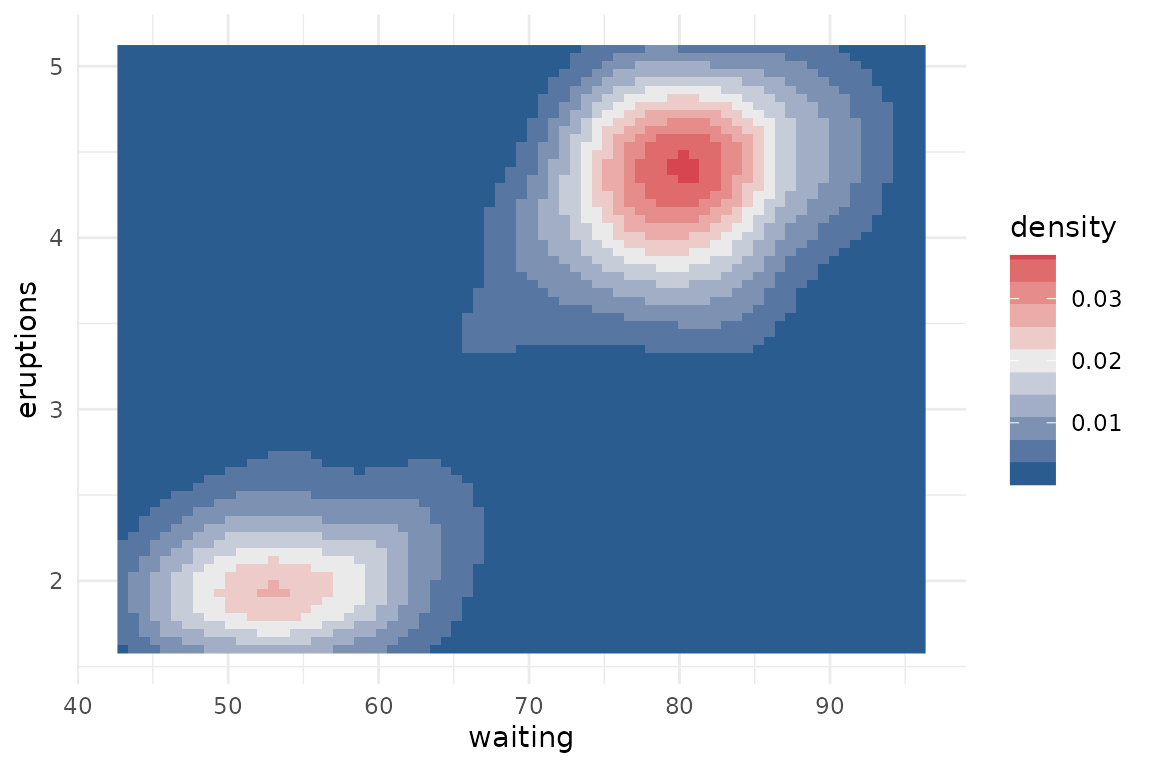
p3 + scale_fill_theme("magma?ramp.steps=6&alpha=0.8")