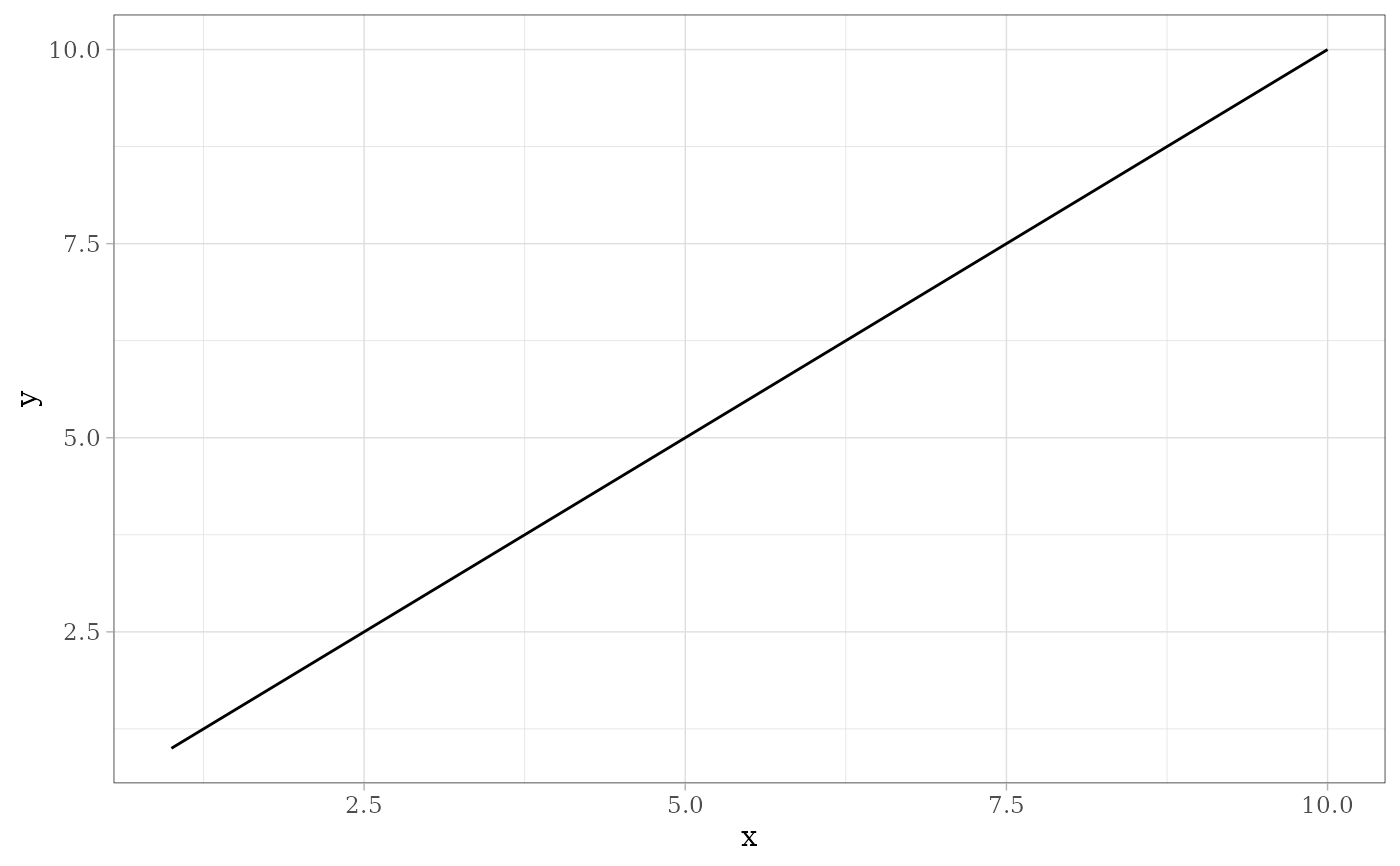
theme_midr() returns a complete theme for "ggplot" objects, providing a consistent visual style for ggplot2 plots.
Usage
theme_midr(
  grid_type = c("none", "x", "y", "xy"),
  base_size = 11,
  base_family = "serif",
  base_line_size = base_size/22,
  base_rect_size = base_size/22,
  ...
)
Arguments
- grid_type
the type of grid lines to display, one of "none", "x", "y" or "xy".
- base_size
base font size, given in pts.
- base_family
base font family.
- base_line_size
base size for line elements.
- base_rect_size
base size for rect elements.
- ...
other parameters passed on to
ggplot2::theme_light(). ggplot2 >= 4.0.0 acceptsink,paper, andaccent.
Examples
# Use theme_midr() with ggplot2
X <- data.frame(x = 1:10, y = 1:10)
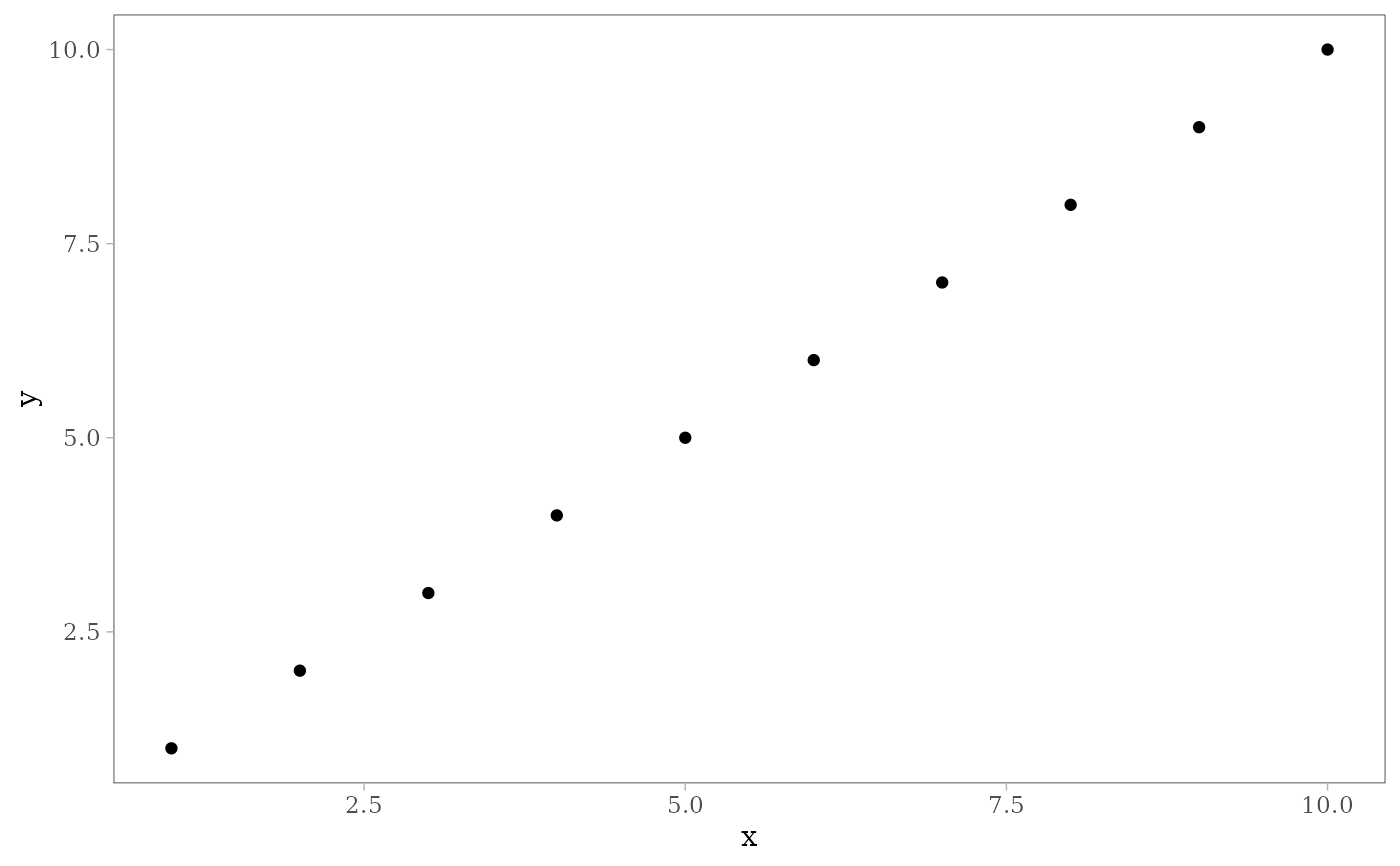
ggplot2::ggplot(X) +
ggplot2::geom_point(ggplot2::aes(x, y)) +
theme_midr()
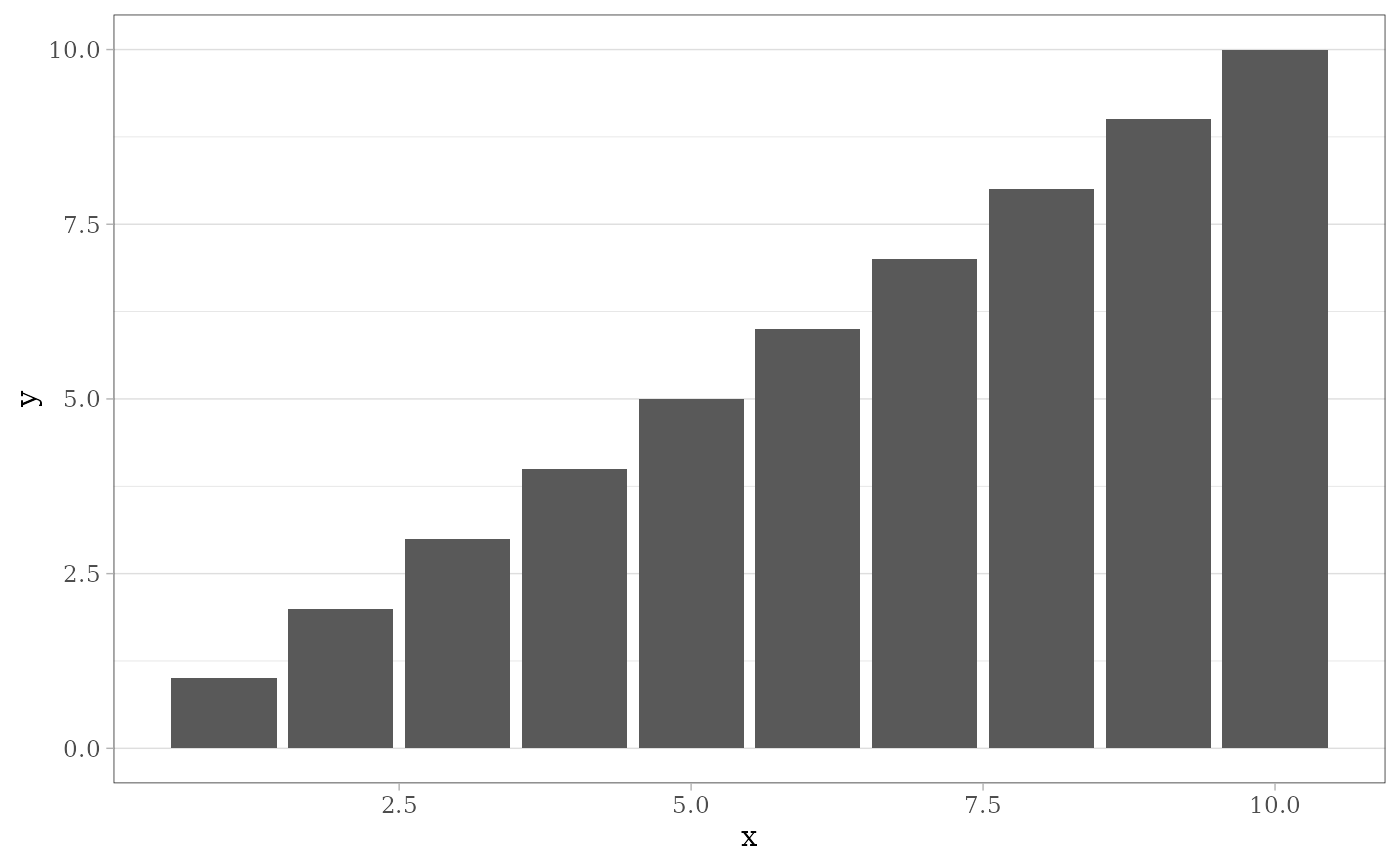
 ggplot2::ggplot(X) +
ggplot2::geom_col(ggplot2::aes(x, y)) +
theme_midr(grid_type = "y")
ggplot2::ggplot(X) +
ggplot2::geom_col(ggplot2::aes(x, y)) +
theme_midr(grid_type = "y")
 ggplot2::ggplot(X) +
ggplot2::geom_line(ggplot2::aes(x, y)) +
theme_midr(grid_type = "xy")
ggplot2::ggplot(X) +
ggplot2::geom_line(ggplot2::aes(x, y)) +
theme_midr(grid_type = "xy")